20250819 - 使用NotebookLM和Obsidian管理我的家
- 分类:
根目录笔记 - 创建:
2025-08-19 - 标签:
家庭管理, 知识管理, Obsidian, NotebookLM, 数字化组织, 家居整理, 食谱管理, 物品追踪
20250819 - 使用NotebookLM和Obsidian管理我的家 - I organized my entire home using NotebookLM and Obsidian and I’m so glad I did
摘要
本文讲述了作者如何通过使用知识管理工具NotebookLM和Obsidian来组织和管理家庭事务。作者在Obsidian中创建了一个数字化的家庭地图,记录了从衣物到食谱的所有物品位置,并通过模板保持信息的一致性。接着,作者将这些数据上传到NotebookLM中,利用其快速查询功能轻松找到所需信息。此外,作者还上传了家电说明书和保修文件等外部文件,进一步完善了家庭知识库。这个系统虽然前期需要手动输入,但最终带来了极大的便利和灵活性。
要点
- 作者使用Obsidian创建了一个家庭知识库,包含衣物、食谱、家居物品等详细信息。
- Obsidian中的模板包括位置、品牌、购买日期、数量和备注等字段,确保信息一致性。
- 通过将Obsidian的Markdown文件上传到NotebookLM,作者可以快速查询物品位置或食谱详情。
- NotebookLM还支持上传PDF文件,如家电说明书,方便解决设备问题或查询保修信息。
- 该系统灵活性高,可根据个人需求调整用途,并可与家人共享。
正文
For years, I struggled to keep track of everything at home, from where I stored my winter clothes to what spices were hiding in the back of my pantry. I would try to organize, but my systems would always fail. Then, I had a thought: What if I could use the same tools I use to manage my knowledge and thoughts – NotebookLM and Obsidian?
I created a digital map of my space and documented everything from recipes and household items to the exact location of every item in my closet. I finally built a system that just works. Now, with just a few questions to NotebookLM, I can instantly find anything I need and turn my chaotic house into a stress-free home.
Documenting my home with Obsidian
Obsidian templates to the rescue
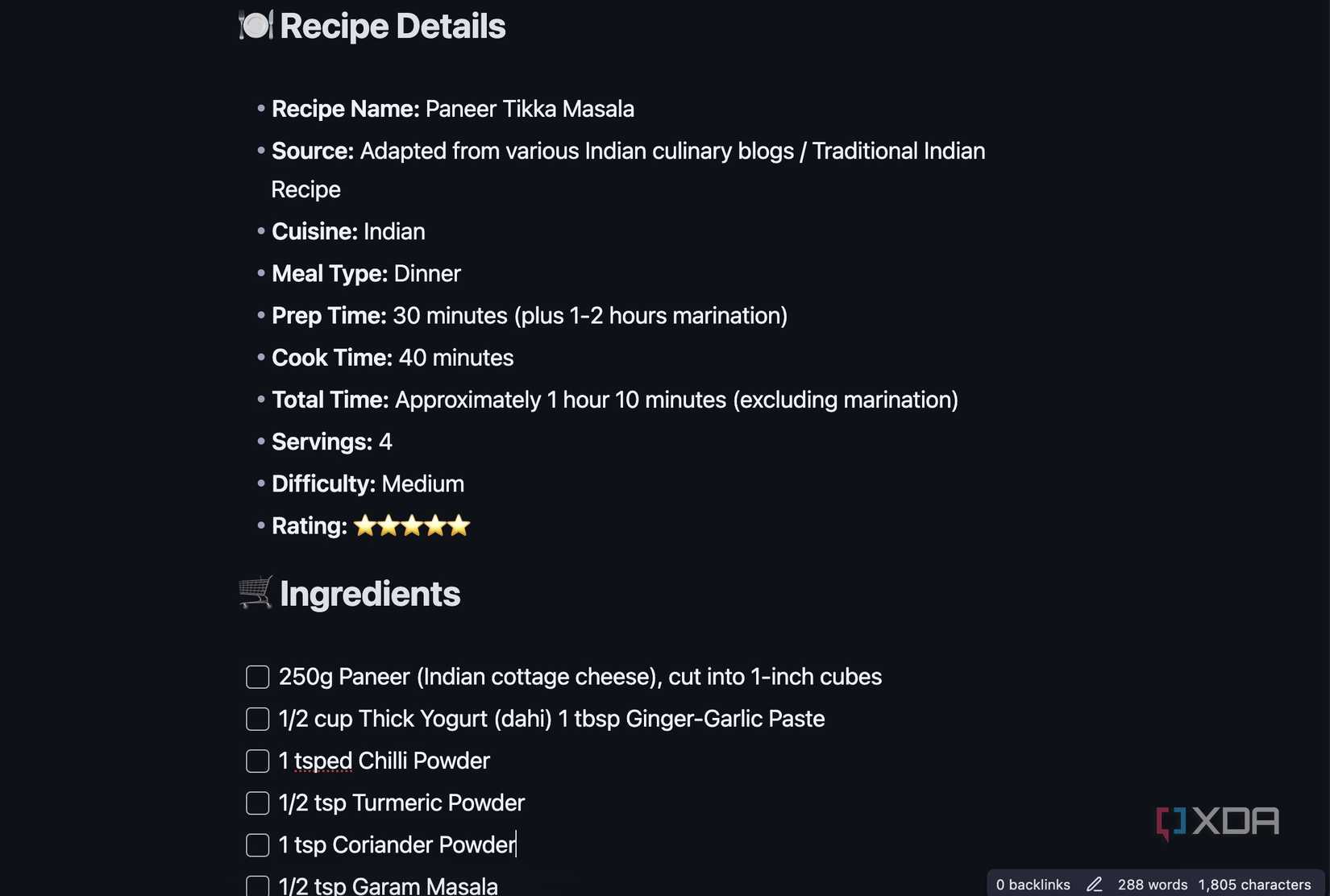
When I decided to digitize my home, the first step was to create a dedicated vault in Obsidian. This became the central hub for all my household knowledge. I started by creating a simple folder structure to keep things organized.
- Templates
- Recipes
- Household
- Maintenance
- Manuals
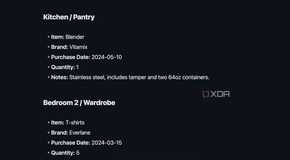
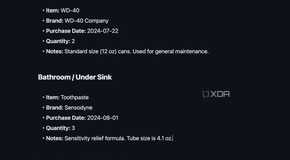
To ensure every note was consistent and easy to search, I created a few key templates. The most important one was for Household Items. This template includes fields like those below.
- Location: Where the item is stored (like Kitchen/Pantry, Bedroom 2/Wardrobe).
- Brand: The manufacturer of the item.
- Purchase Date: When I bought it.
- Quantity: How many do I have?
- Notes: Any important details, like size, color, or specific instructions.
This might sound like a lot of work, but it pays off. The real magic of Obsidian is in its linking. I don’t just create isolated notes. I link them together to build a network of information. For example, my note for My Wardrobe has links to every clothing item, organized by type.
Similarly, I have created a folder for my recipes and used templates to add every detail, including ingredients, description, preparation time, and more.
Bringing NotebookLM to the scene
It makes so much sense
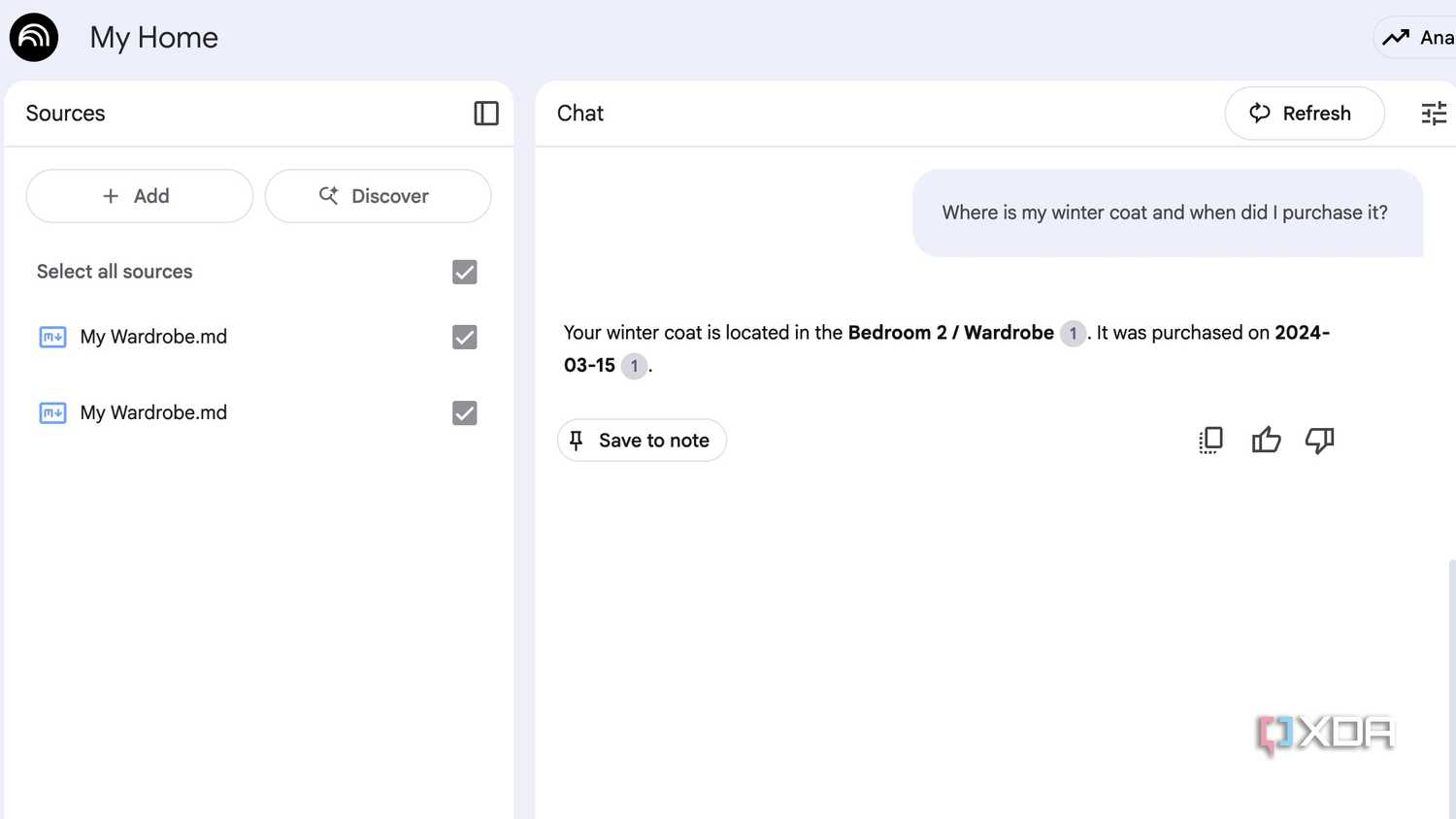
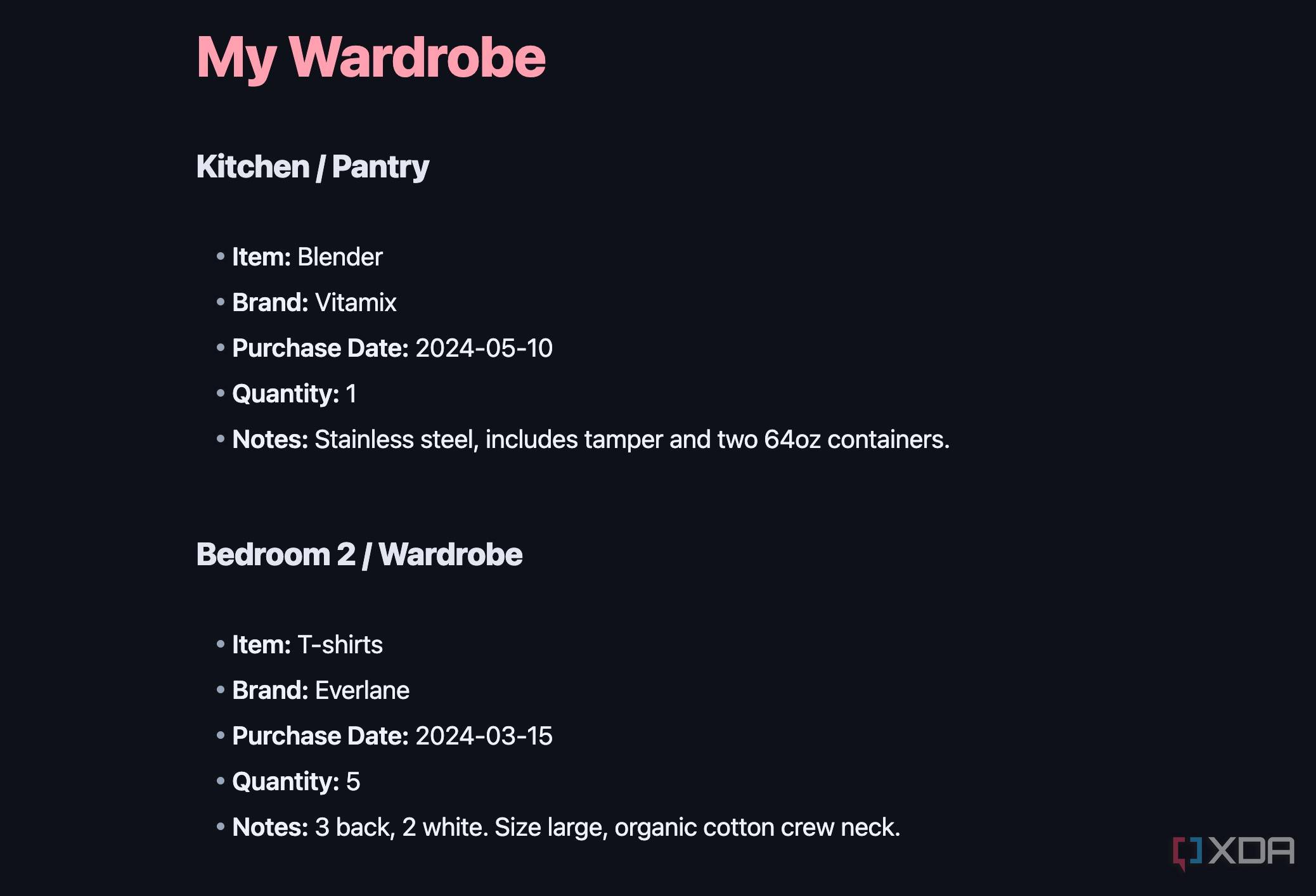
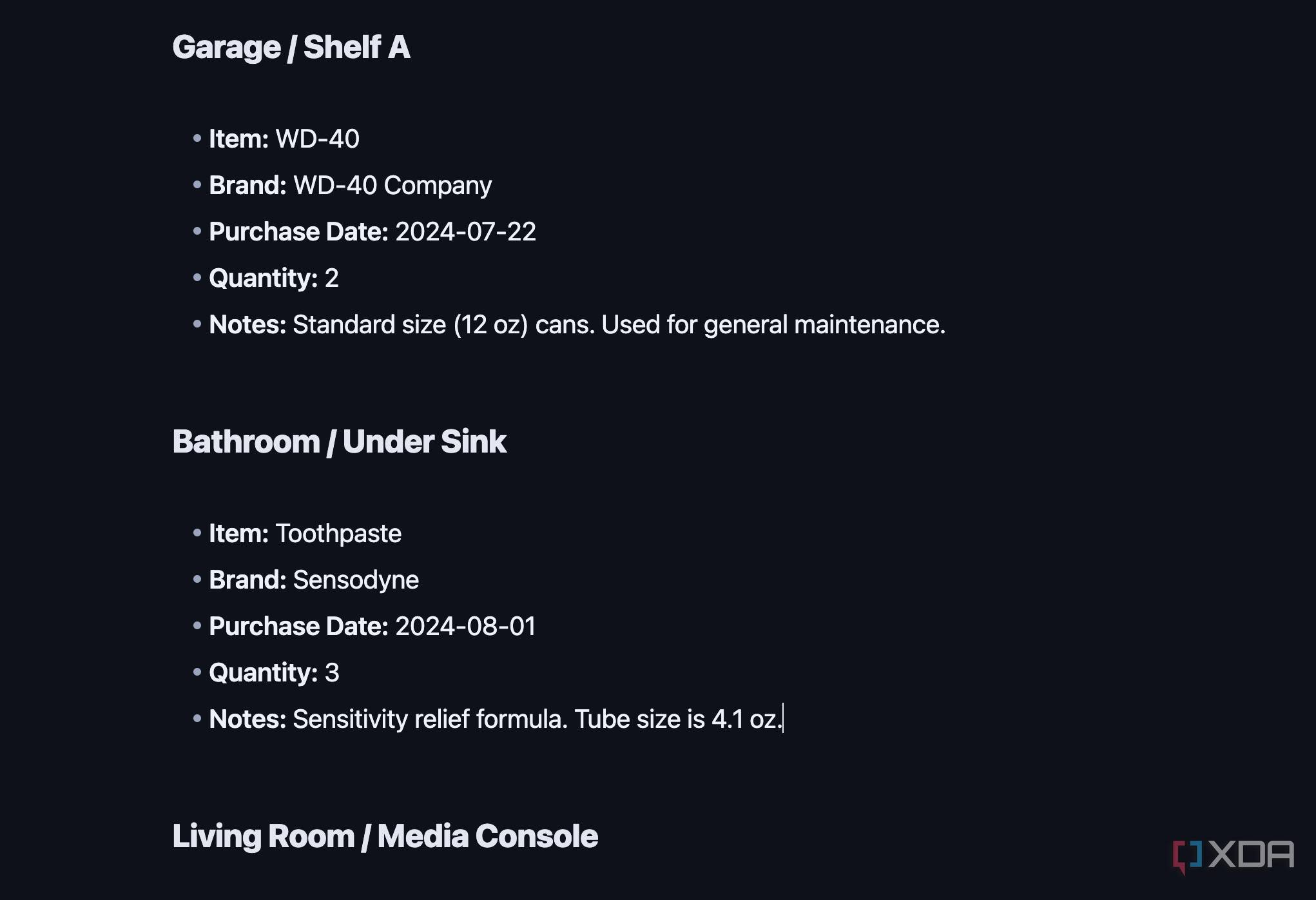
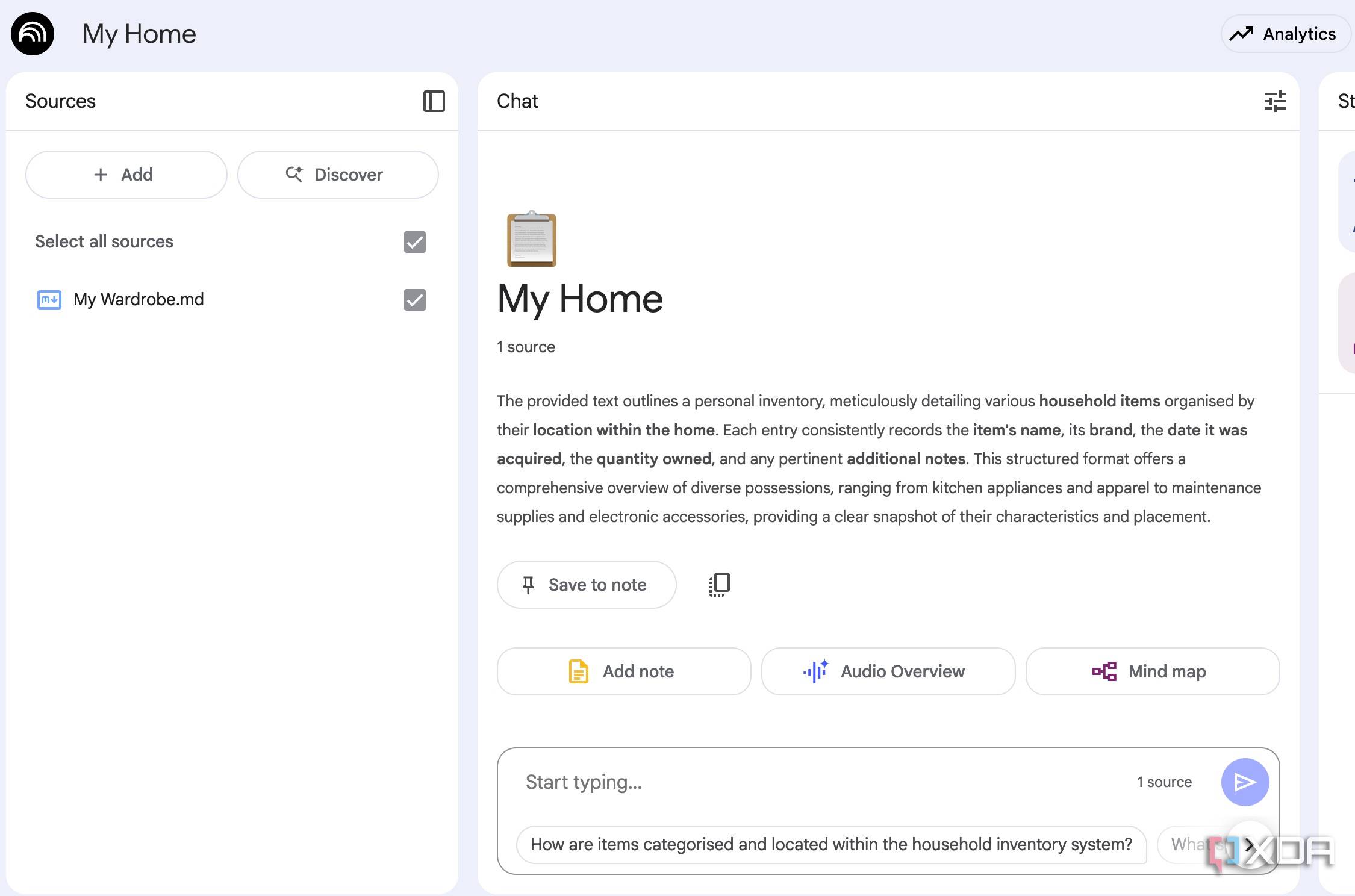
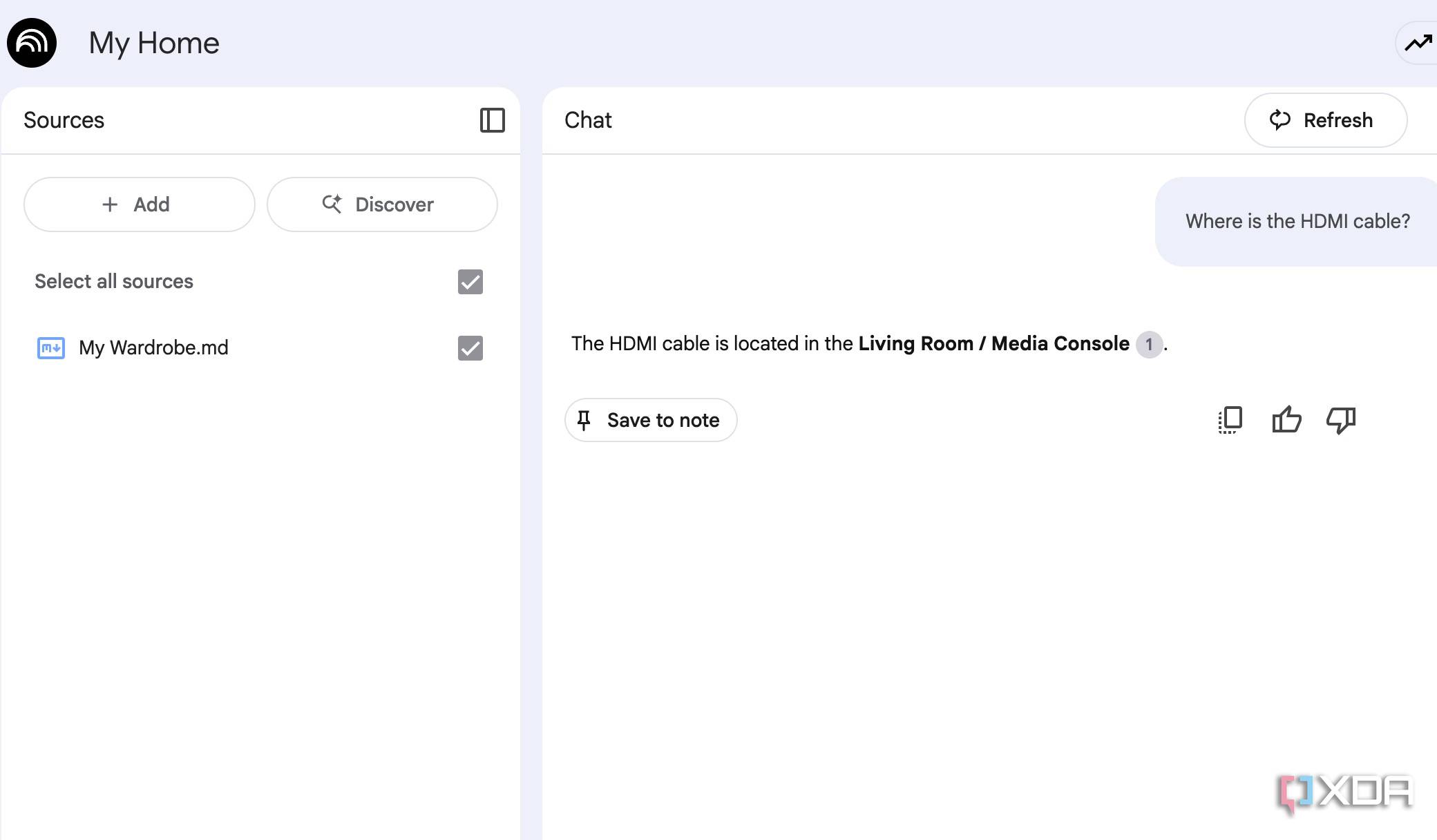
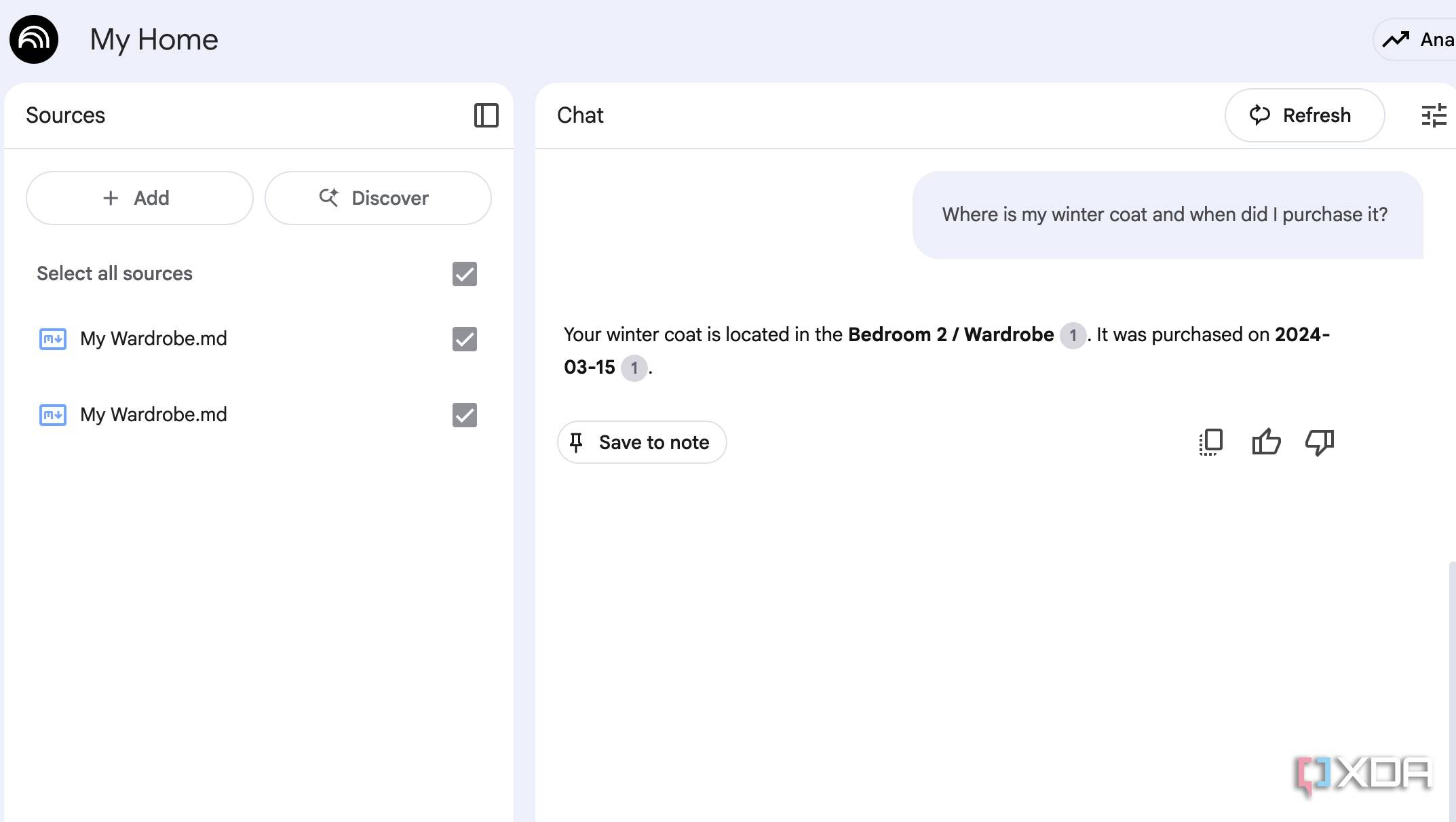
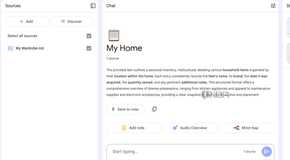
Once I documented my entire home in Obsidian, I was ready for the next phase, where I brought it to life with NotebookLM. I created a new notebook titled ‘My Home,’ and uploaded all of my Markdown files from Obsidian directly into it.
NotebookLM supports Markdown, and now every single note, from my detailed pantry list to the location of my winter coat, is a source document in NotebookLM.
The transformation was immediate. Before, if I wanted to find my winter coat, I had to open Obsidian, navigate to the Wardrobe folder, and scroll through my notes. Now, with NotebookLM, I just open my notebook and ask, Where is my winter coat? And in less than a second, NotebookLM scans all the documents and gets me a relevant answer.
It's the same with recipes. I no longer have to pull up a recipe note manually. I can simply ask, How much paneer is needed for Paneer Tikka Masala for four people? and receive an instant reply. Similarly, I can ask When does the Air Fryer warranty expire? and have NotebookLM do the heavy lifting. The possibilities are endless here.
Stuffing NotebookLM notebooks with other files
It doesn’t stop at Markdown files only
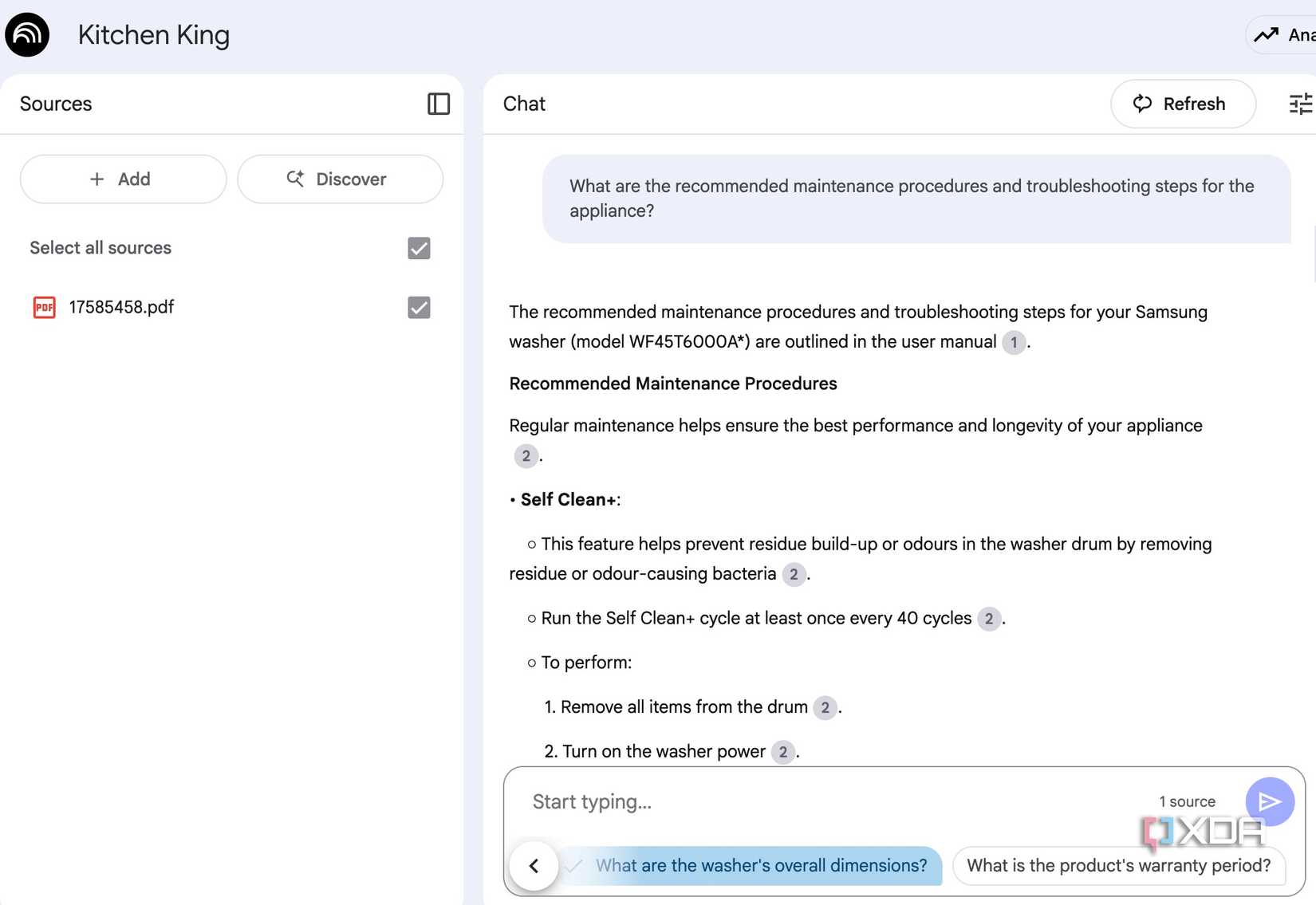
Adding my Obsidian notes to NotebookLM was a huge step, but I quickly realized I could supercharge the system even further by adding external files.
My vault was a great start, but it was missing crucial manufacturer details, warranty information, and appliance manuals. Now, I’m taking the system to the next level by uploading these documents directly into my notebook.
For example, our new air fryer came with a thick manual that I was bound to misplace. So, instead of letting it sit in a drawer, I scanned it and uploaded the PDF to NotebookLM. Now, when I run into a specific issue like a weird code or a question about a cooking function, I don’t have to hunt for the manual.
I just asked NotebookLM What does the E-2 error code mean on my Philips Air Fryer? and get an immediate answer. I’m doing the same with warranties, receipts, and even important emails related to home repairs. Overall, my NotebookLM is a comprehensive knowledge base for every aspect of my home.
Once everything is set up and running, I can share the entire notebook with the better half as well.
The ultimate home organization system
My goal with this system was simple: to bring order to my home. Of course, it requires some manual effort upfront, but the end result is satisfying. The beauty of this approach is its flexibility. This is just my journey with it, but the possibilities are endless.
So, how could you adapt this system to your own needs? Maybe you can track your garden’s planting schedule, organize your little one’s precious belongings, or even document your favorite recipes. Get creative and make this system your own. However, if you are hell bent on using a dedicated home organization tool, I recommend checking out HomeBox.