20260102 - 家用实验室维护应用程序简介 - 6 free tools every home lab needs
- 分类:
根目录笔记 - 创建:
2026-01-02 - 标签:
家用实验室, 维护应用程序, 开源, 网络安全, 监控工具, 文档工具
20260102 - 家用实验室维护应用程序简介 - 6 free tools every home lab needs
摘要
这篇文章介绍了每个家用实验室用户需要部署的最佳维护应用程序,涵盖了SSO服务器Authentik、文档工具NetBox、监控工具Uptime Kuma和Beszel、反向代理Nginx Proxy Manager、仪表板Homarr、VPN解决方案WireGuard和Tailscale等工具。
要点
- Authentik: 强大的单点登录服务器,用户界面友好。
- NetBox: 记录家庭实验室硬件和网络细节的文档工具。
- Uptime Kuma + Beszel: 监控服务和主机机器的组合。
- Nginx Proxy Manager: 反向代理管理工具,方便访问本地服务。
- Homarr: 便于使用的综合仪表板。
- WireGuard: 自承载VPN解决方案,保障连接安全。
正文
Although hypervisors and container runtimes are the most recognizable aspects of home labs, you’ll end up relying on external tools quite often. And I don’t just mean NAS distributions or backup platforms, either (even though they’re pretty useful for hardcore server enthusiasts). With the FOSS ecosystem full of handy utilities, here’s a byte-sized collection of the best maintenance apps every home labber needs to deploy, regardless of whether you’re a beginner getting accustomed to Docker or a hardcore veteran running obscure virtualization platforms in your computing arsenal.
Authentik
A powerful SSO server with a beginner-friendly web UI
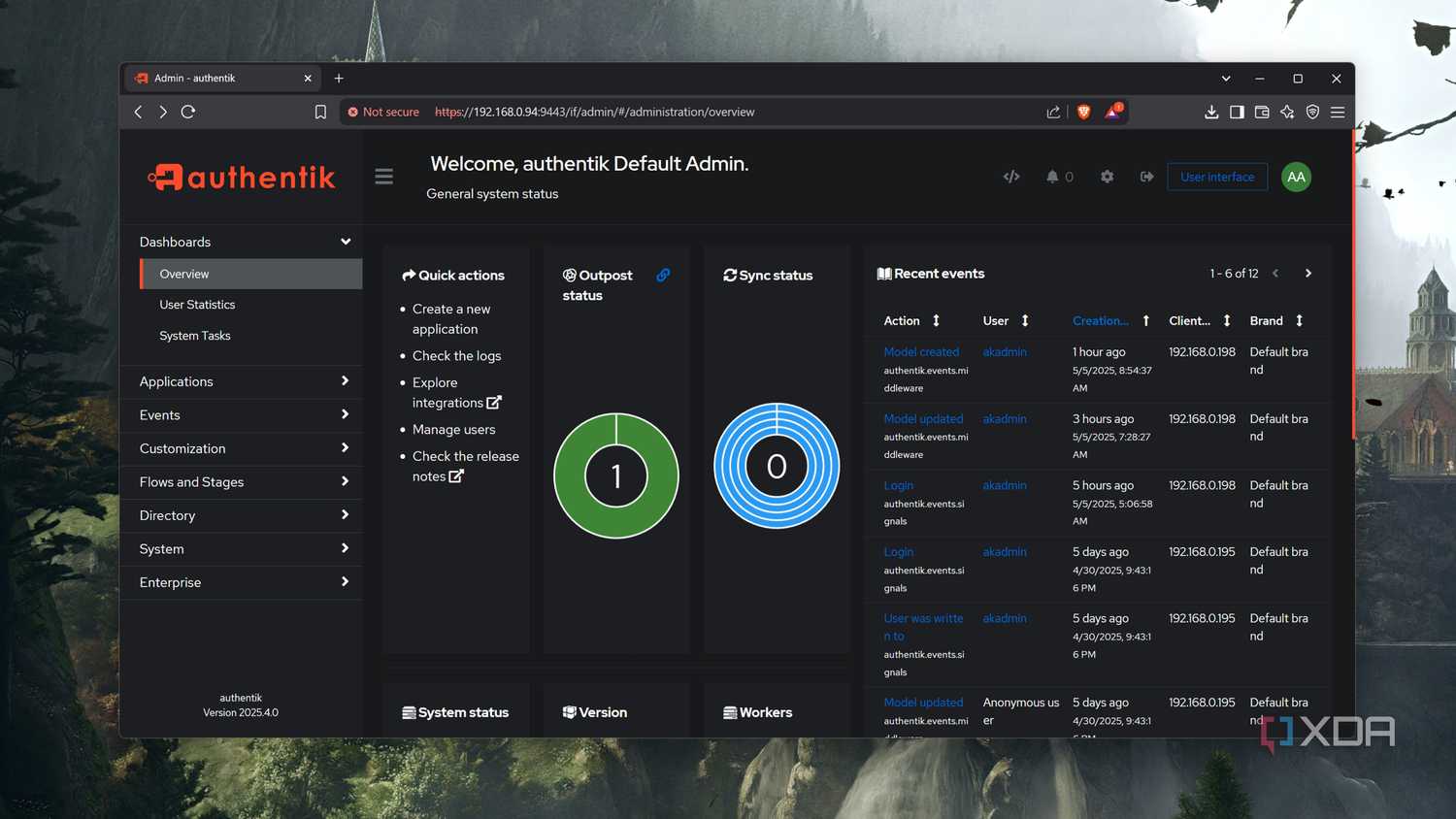
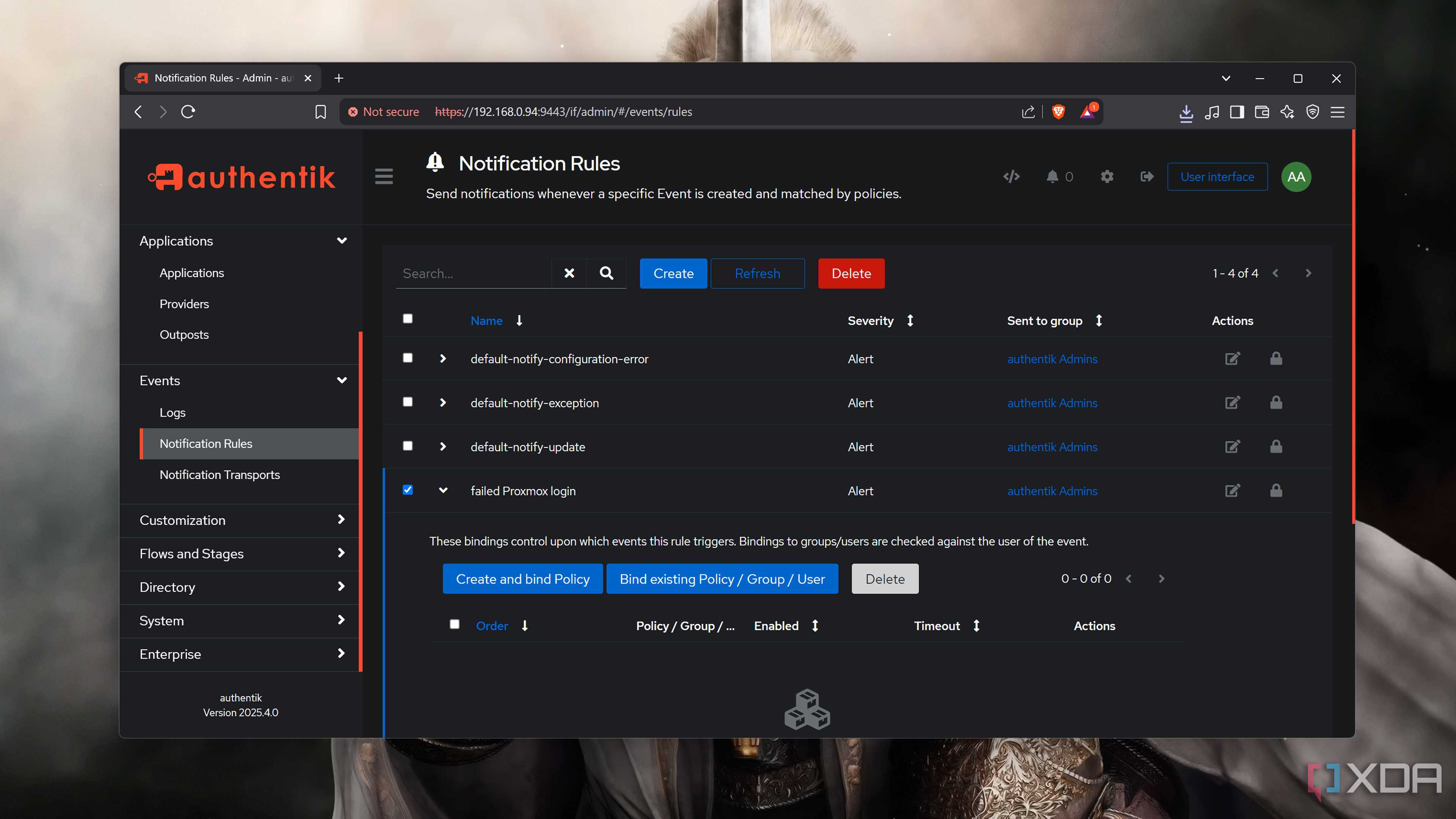
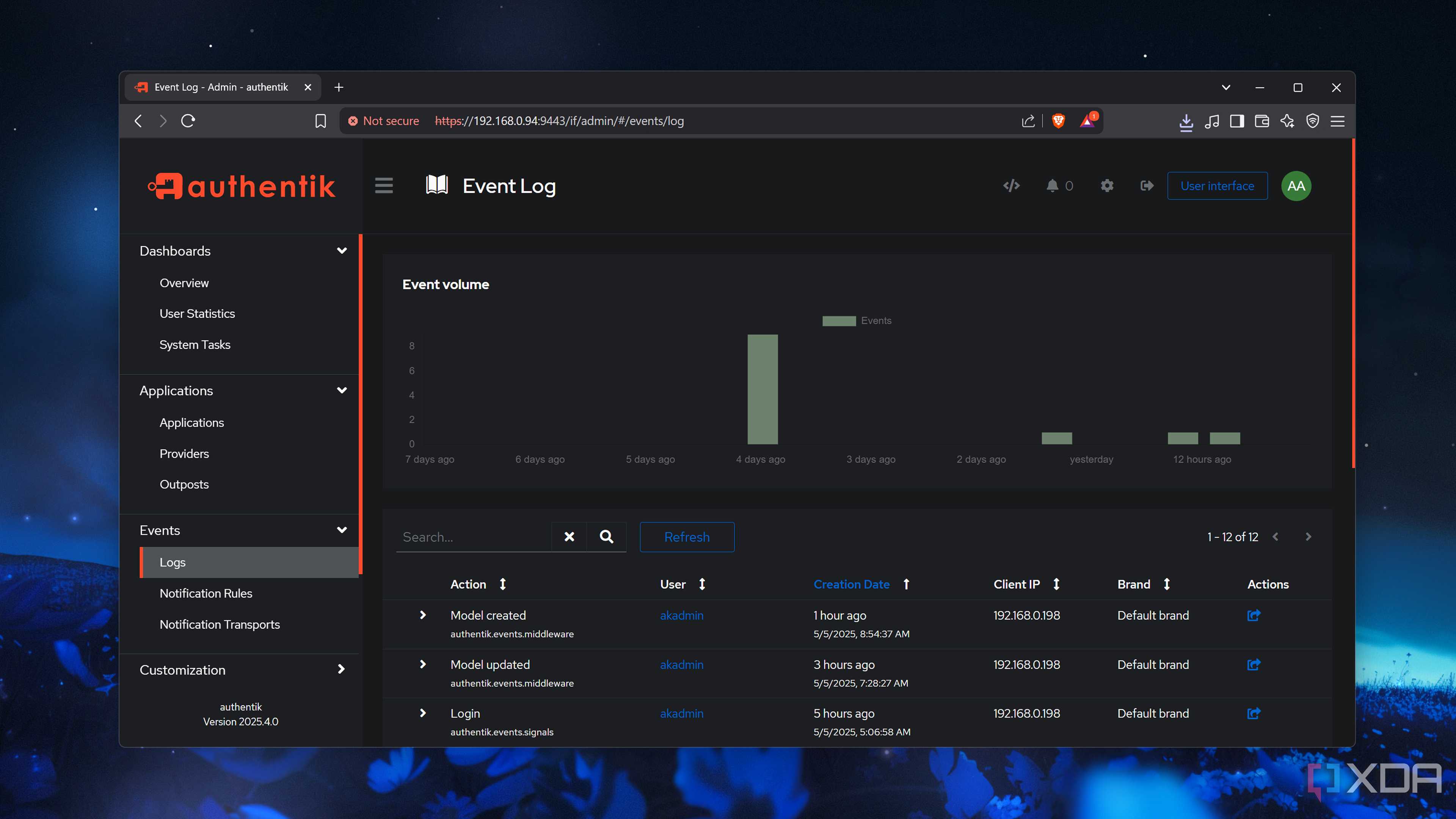
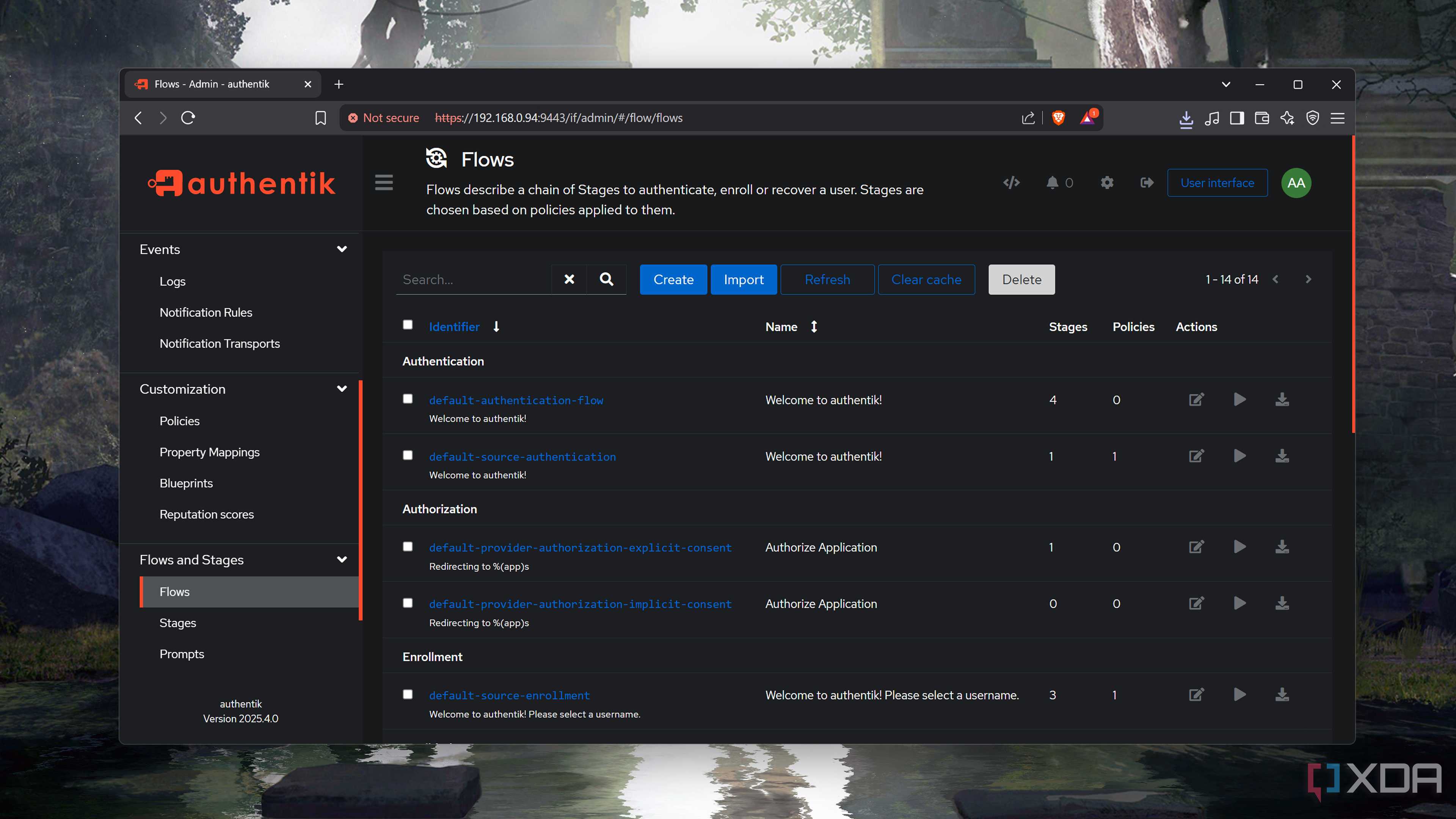
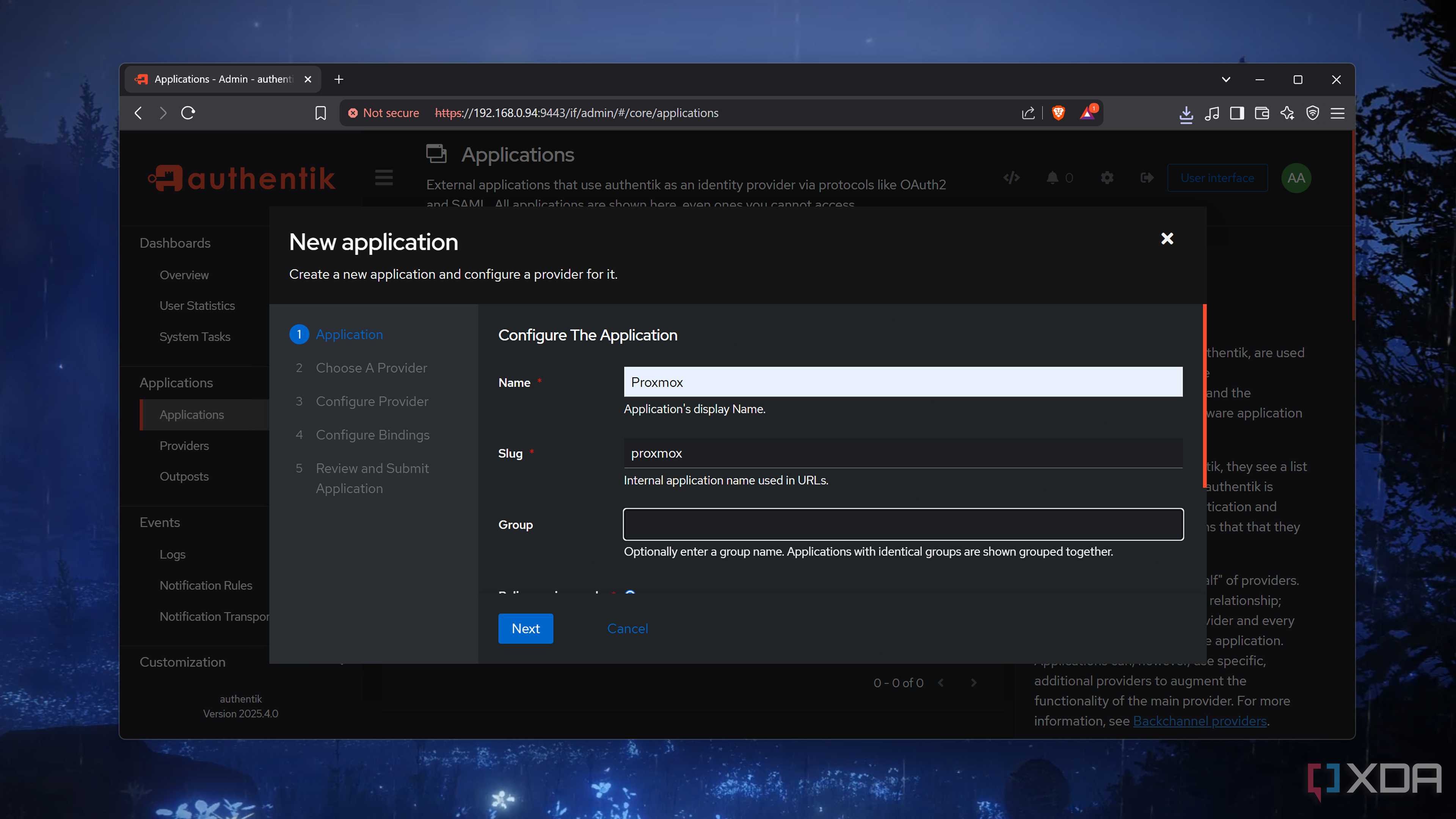
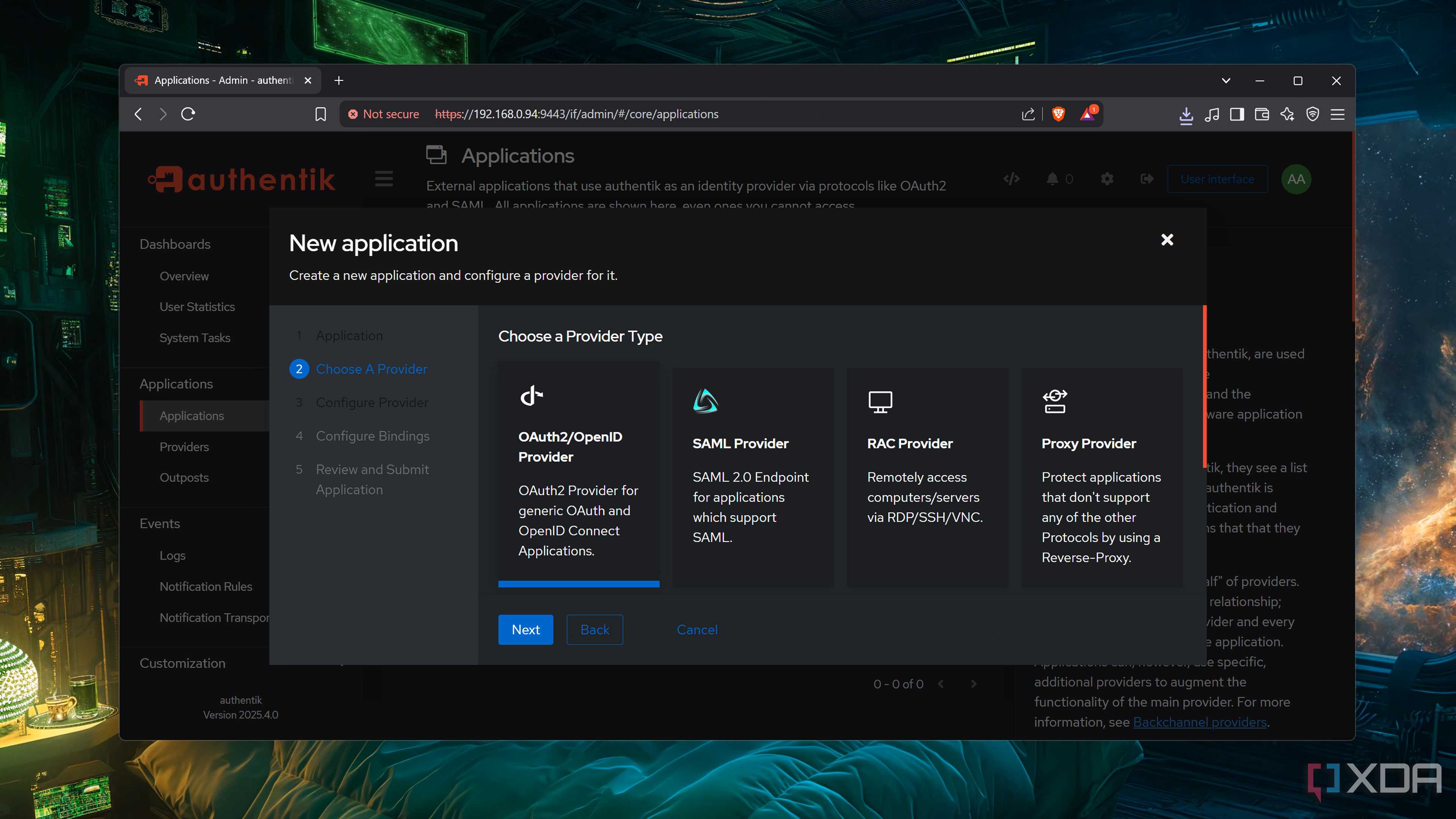
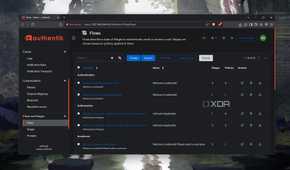
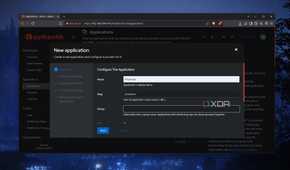
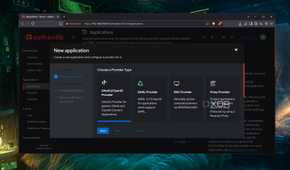
When you’ve got a bazillion services deployed on your home server, remembering their login credentials can be a pain. Vaultwarden, Bitwarden, and other self-hosted password managers can make things a bit easier, but Single Sign-On servers are perfect for folks who don’t want to sift through multiple credentials. Once you sign in to an SSO server, it lets you access all the linked applications via secure tokens.
Personally, I’ve got an Authentik instance running in my home lab, as it combines a simple interface with all the essential features I could ever need from an SSO platform. It’s compatible with most authentication protocols on the block, and you can even configure an RAC provider to securely access your host systems and virtual machines via RDP, SSH, or VNC without worrying about credential management. If you’ve exposed your services to other users, Authentik can keep track of login attempts and send notifications upon detecting suspicious sign-in requests.
NetBox
Pair it with a note taker to document every inch of your home lab
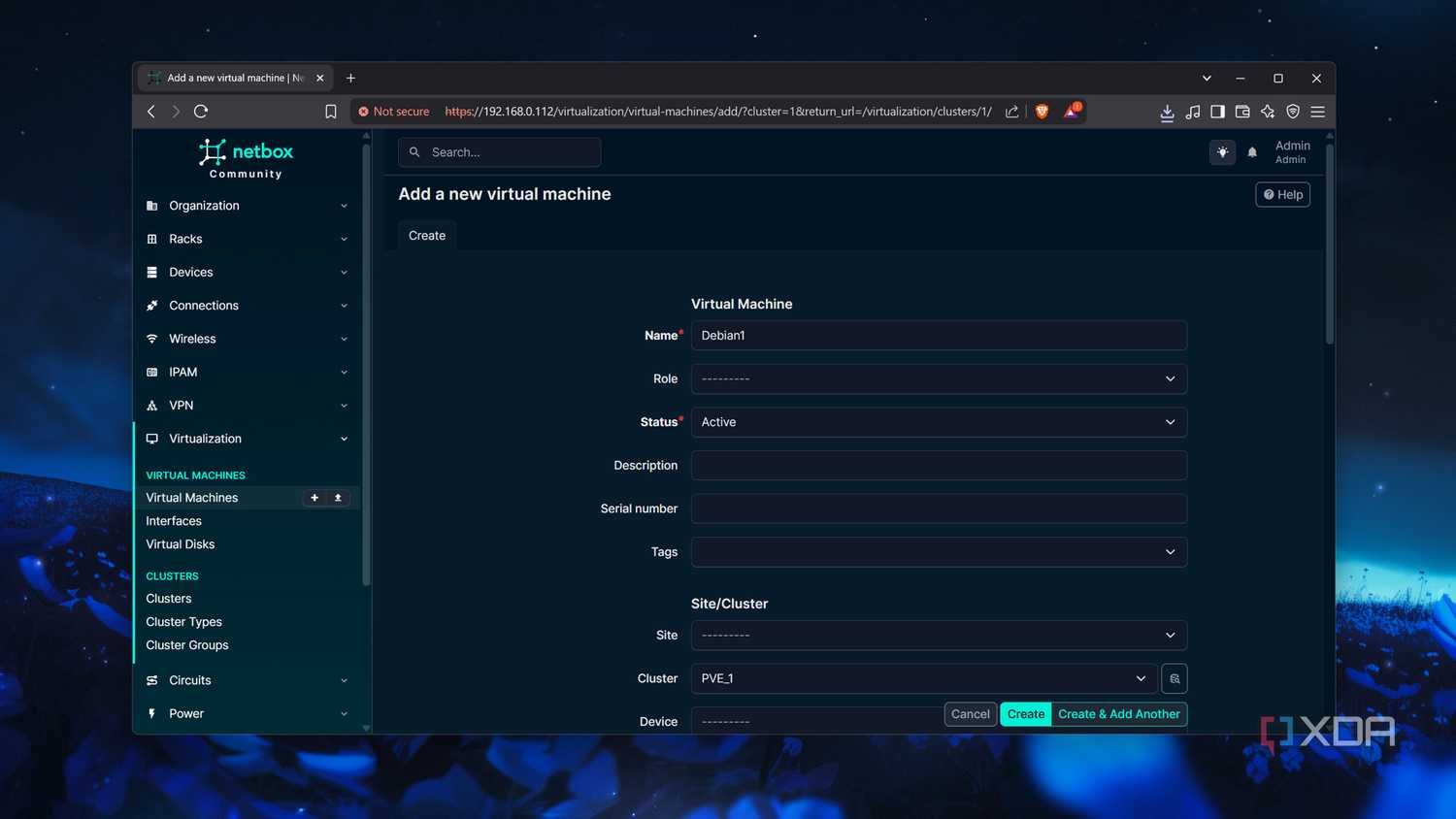
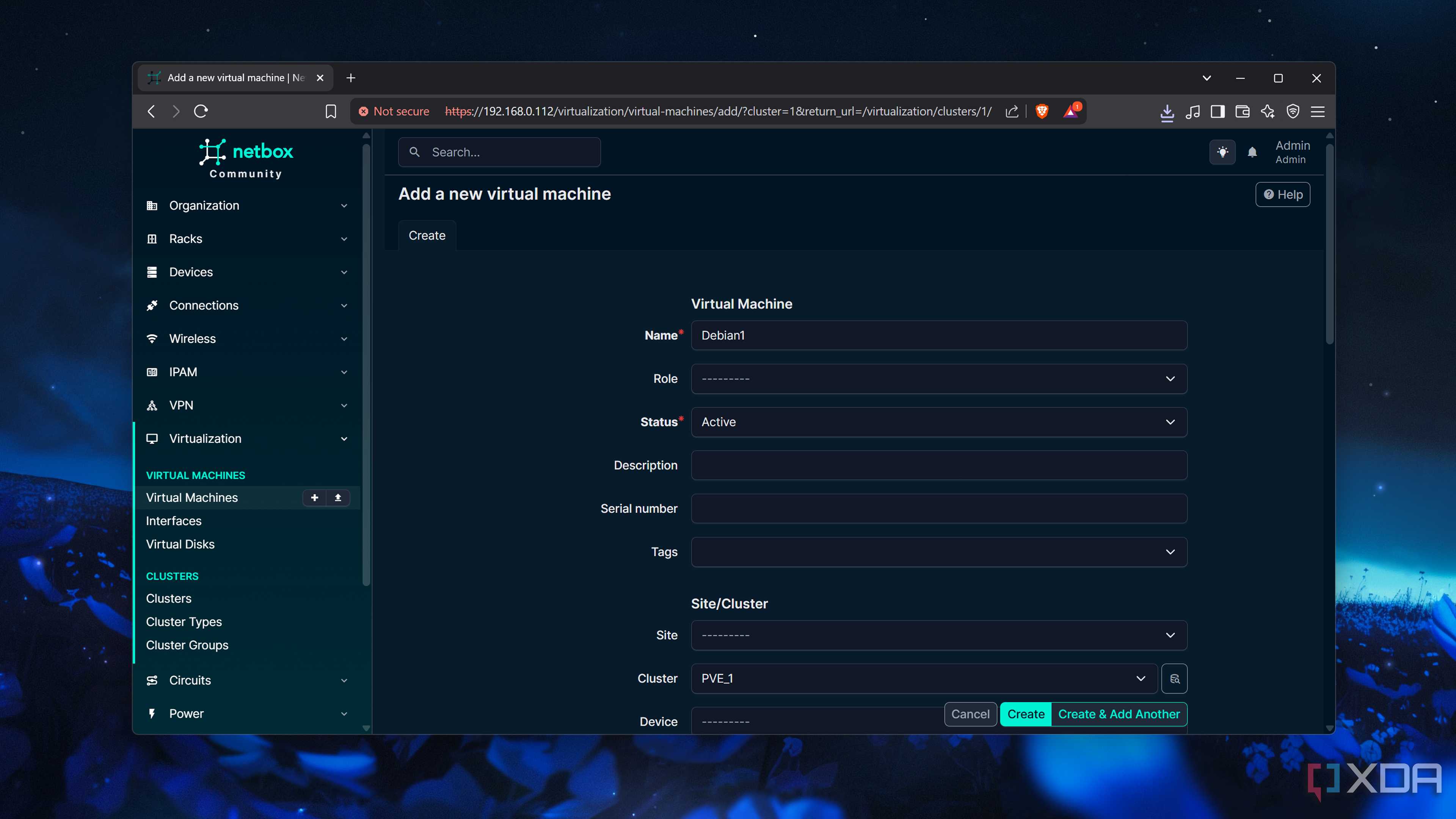
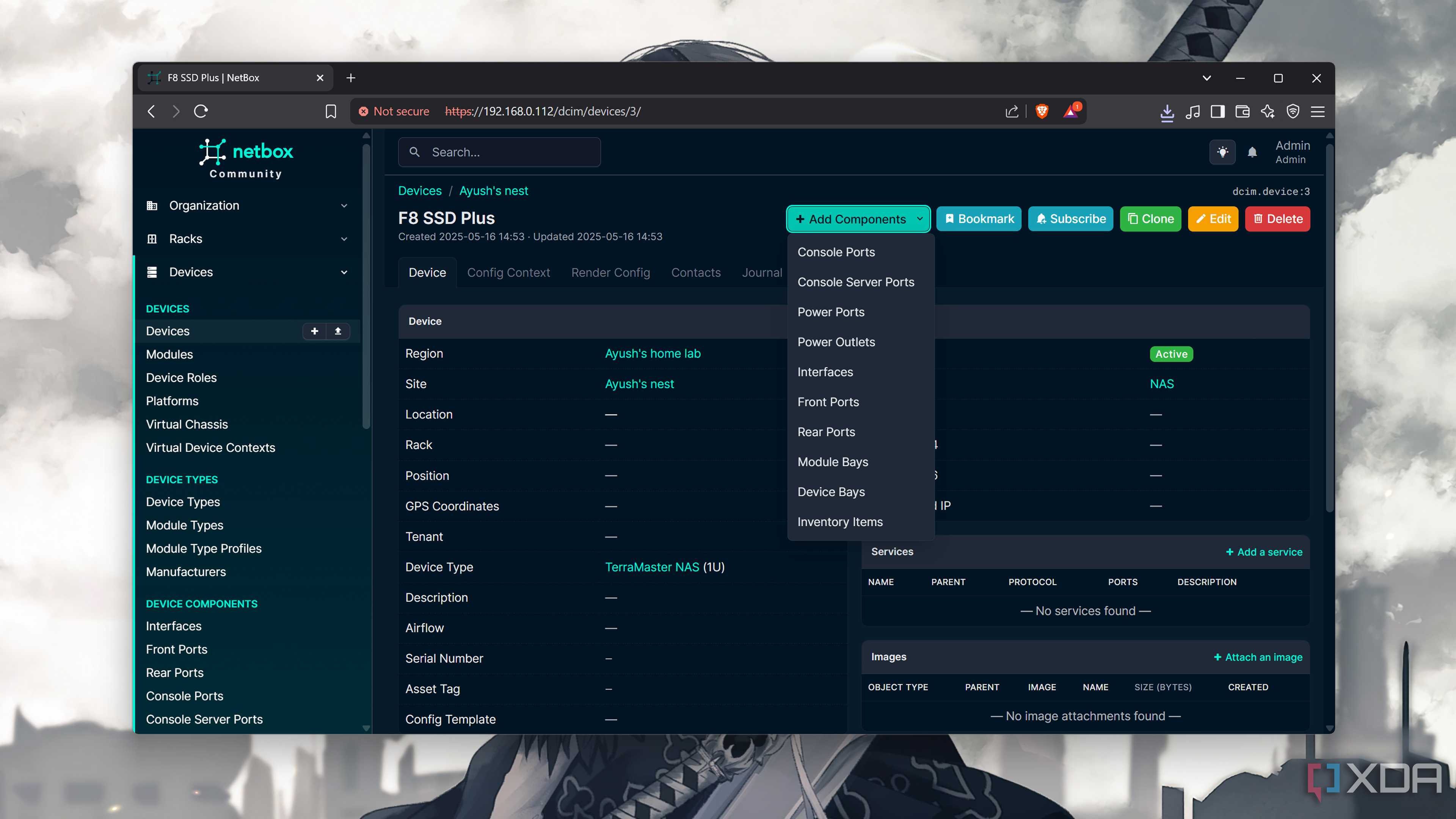
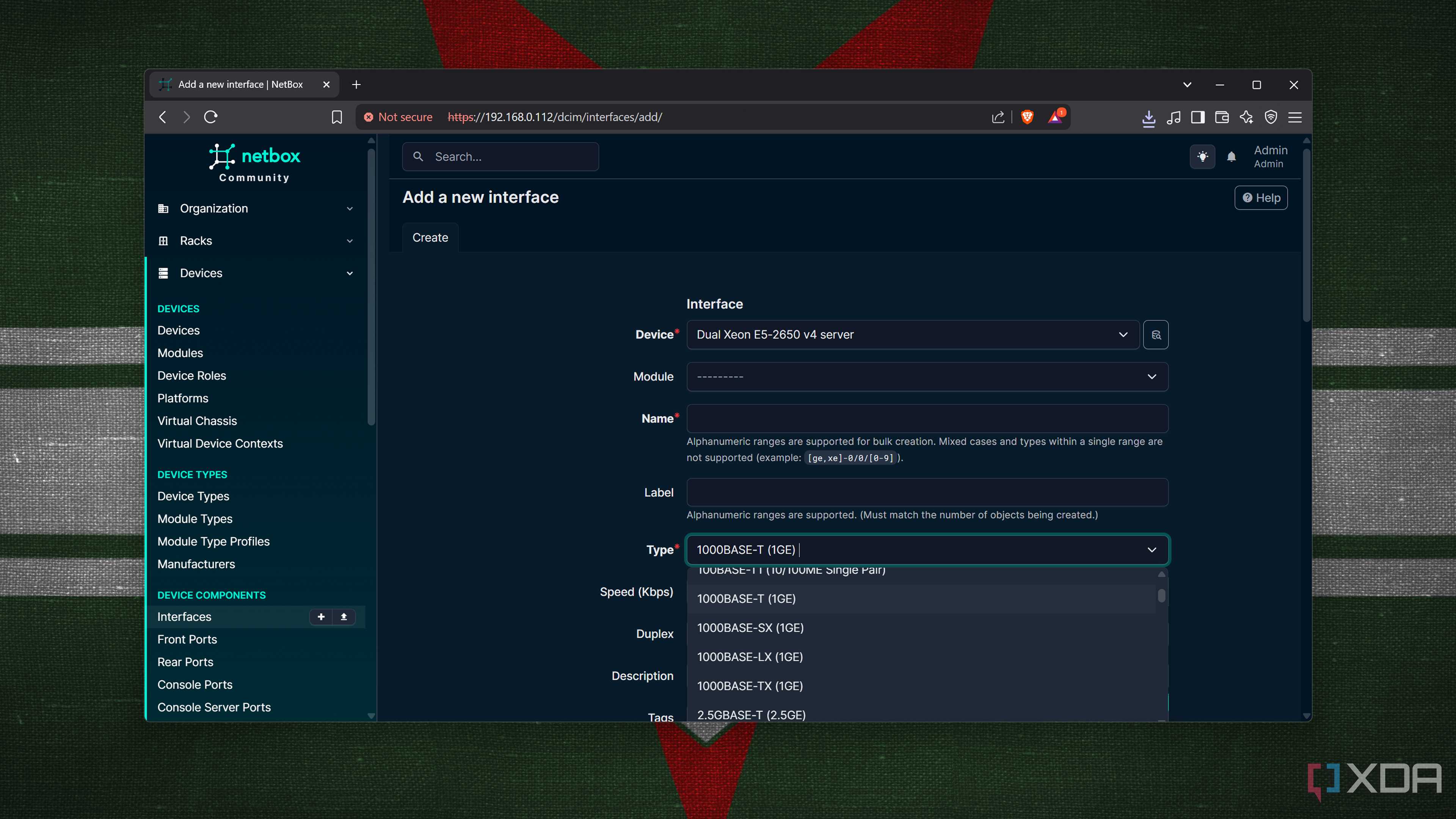
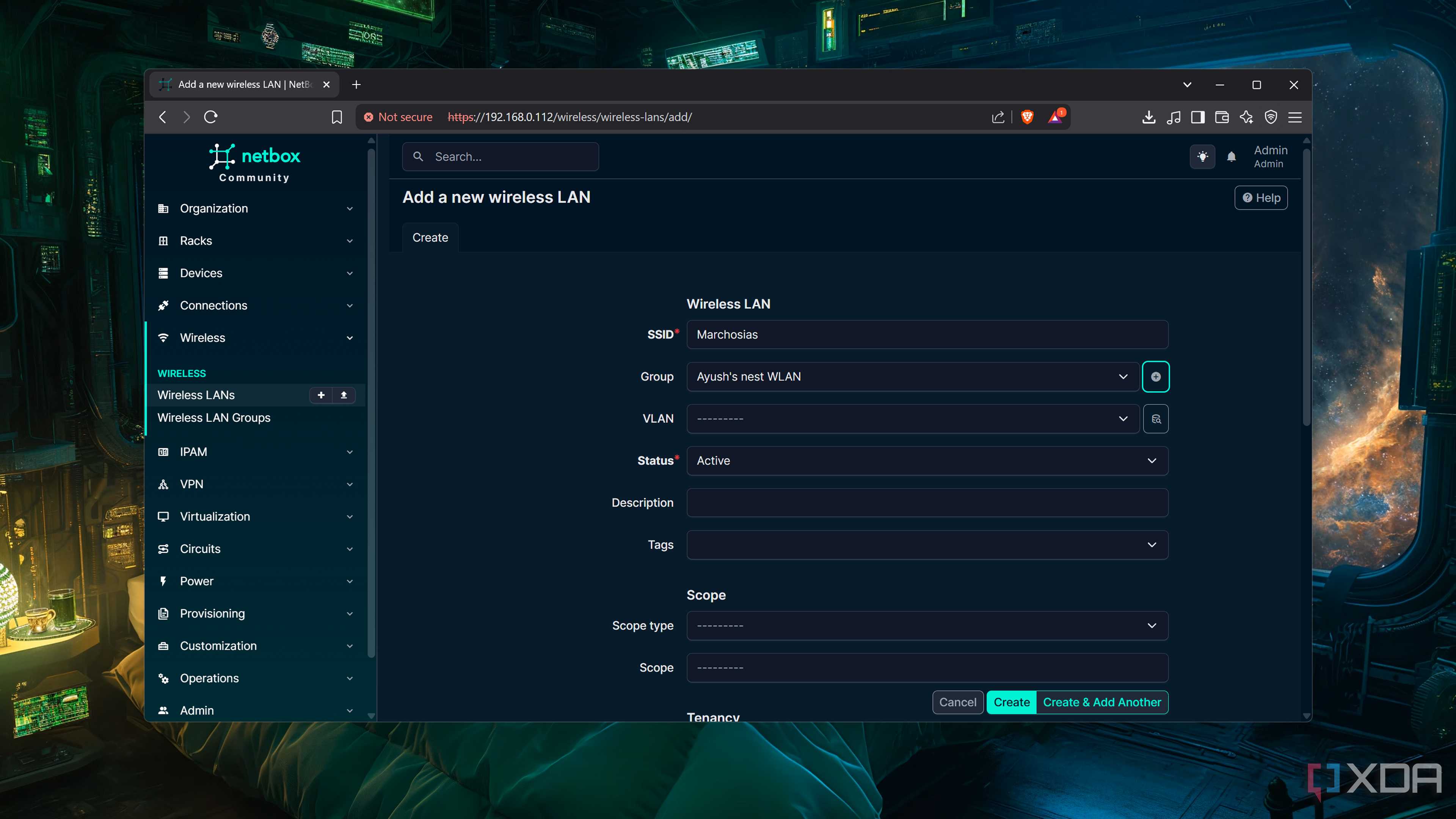
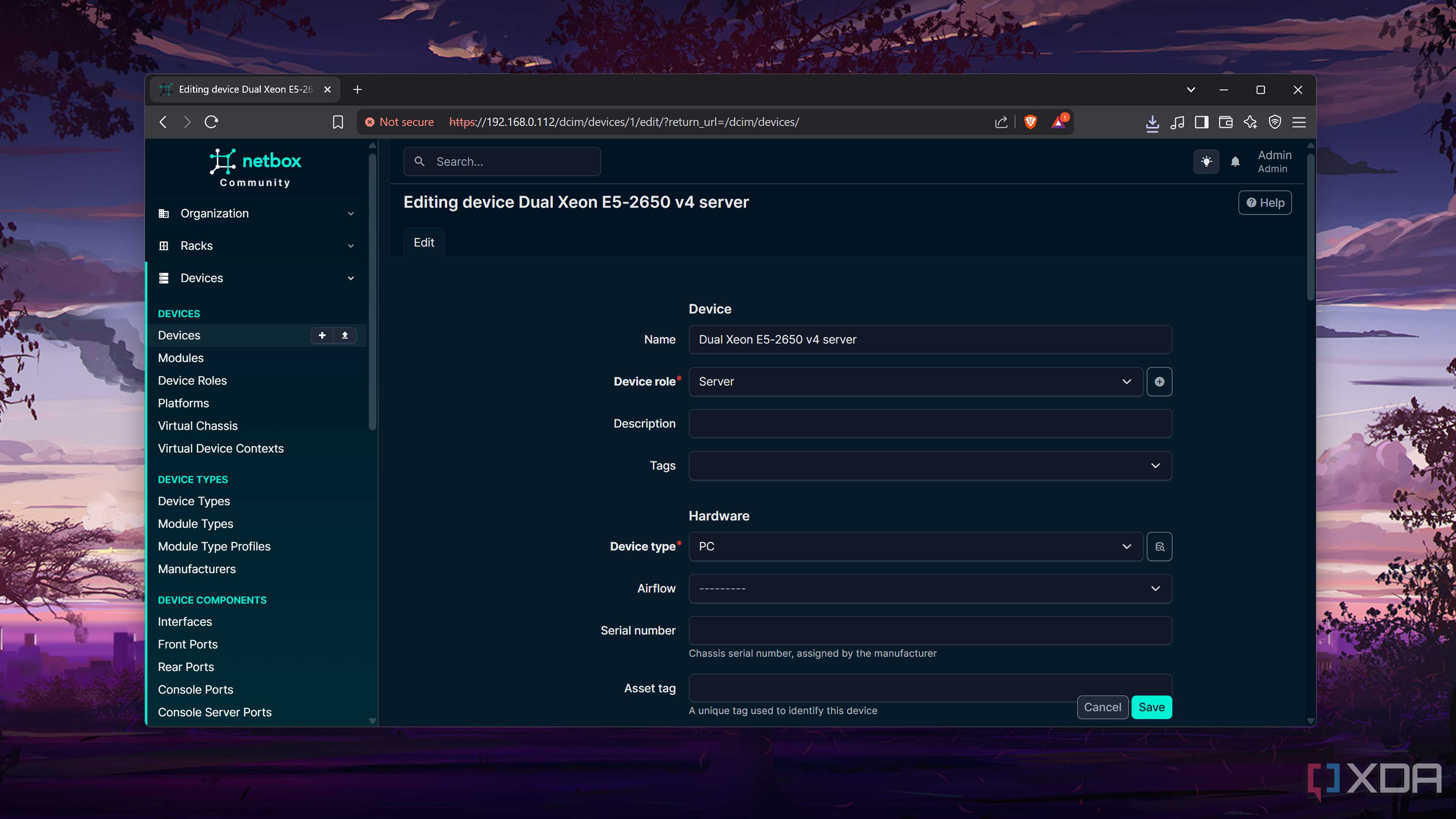
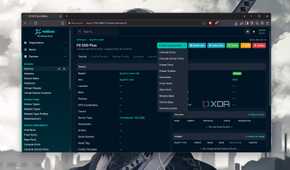
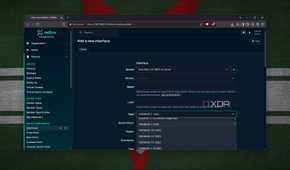
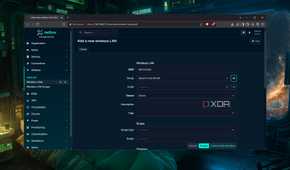
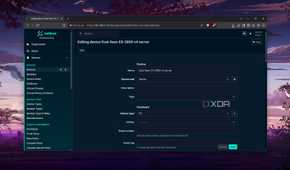
Documenting your home lab may seem like a chore, but it’s bound to come in handy when you need to recreate your server after a botched experiment renders it unusable. When it comes to the network side of things, few documentation tools can keep up with NetBox. By mixing the database model of typical infrastructure management tools with detailed network tracking features of IPAM utilities, NetBox lets you map comprehensive records of your home lab hardware.
Heck, NetBox also includes provisions to document the IP addresses, VPN tunnels, subnets, and other network details of your virtual guests. And if you’re as deep into the automation rabbit hole as I am, you can use NetBox as a source of truth for your Ansible and Terraform experiments. I also prefer to use NetBox alongside a proper note-taking tool like Trilium Notes, so I can jot down all the steps I go through when deploying my containers and VMs.
Uptime Kuma + Beszel
To monitor your services (and host machines)
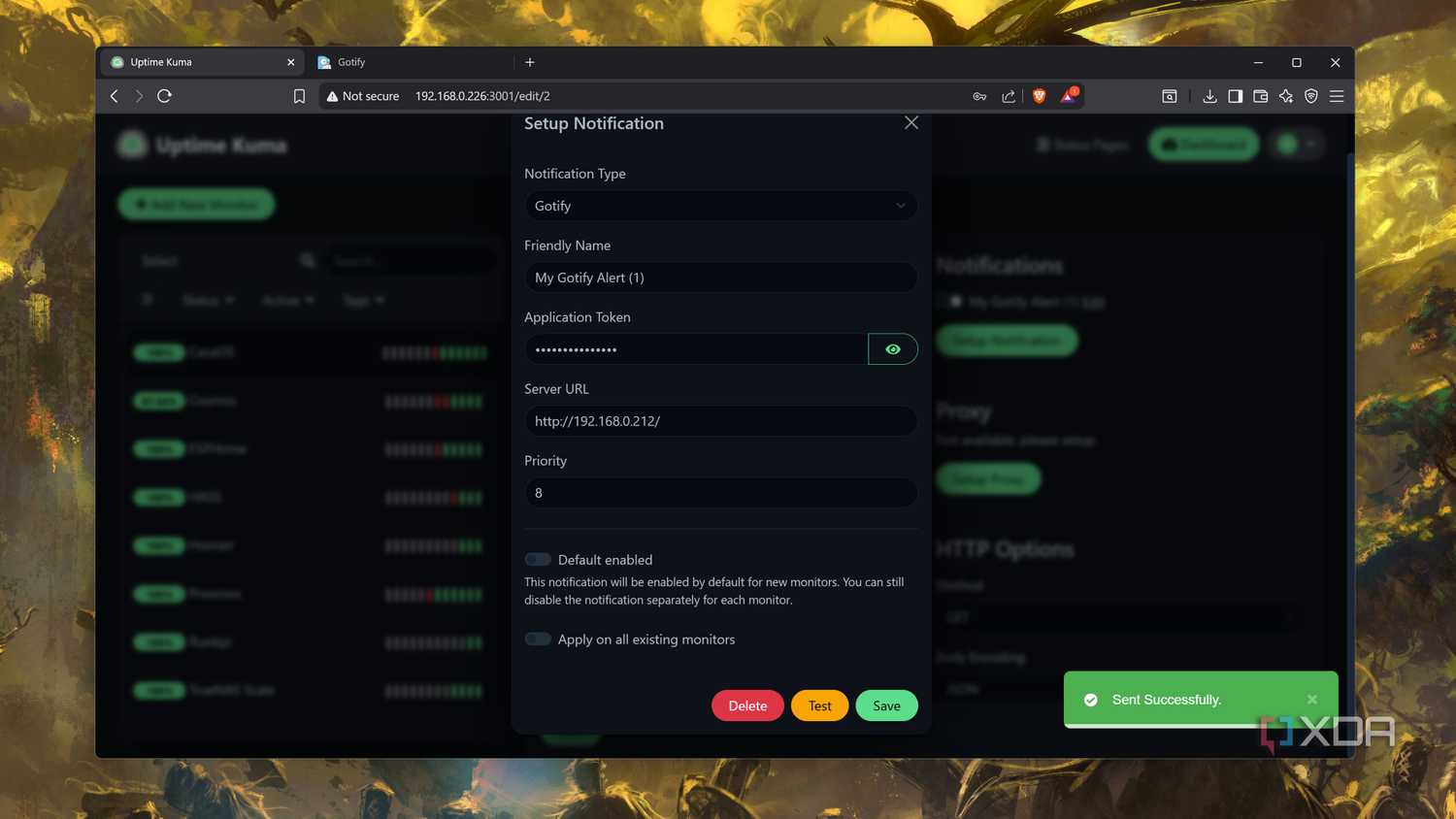

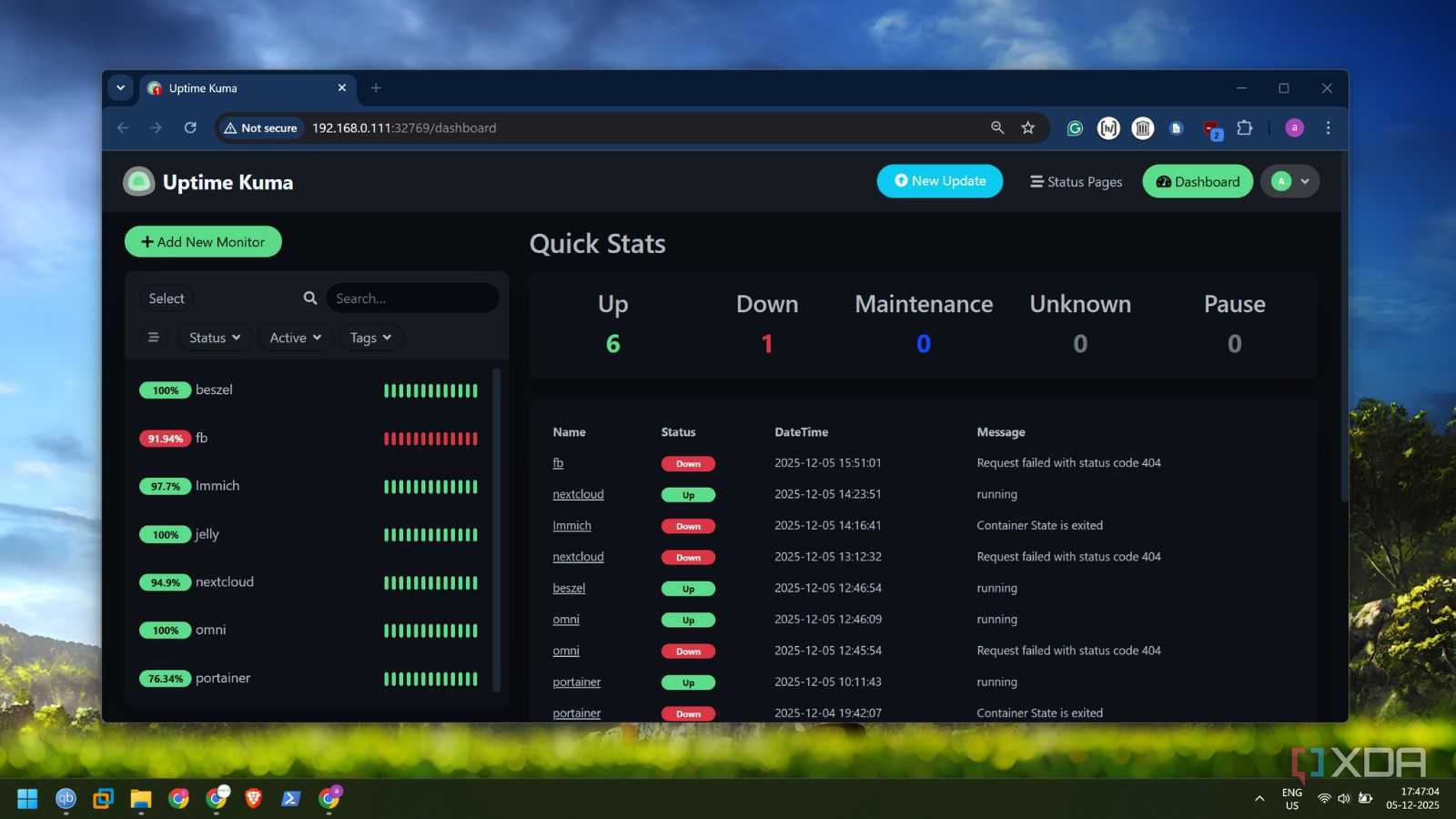
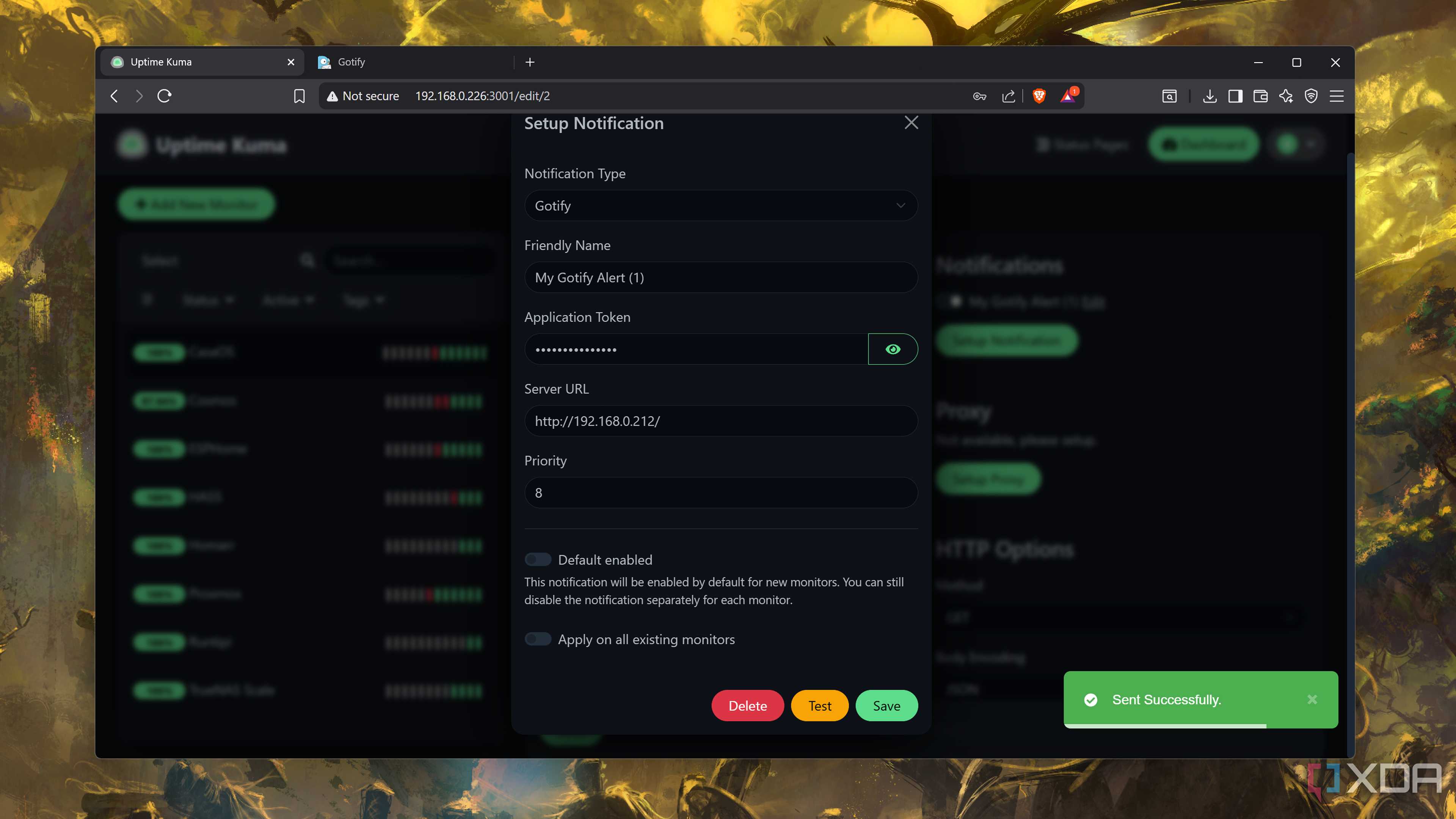
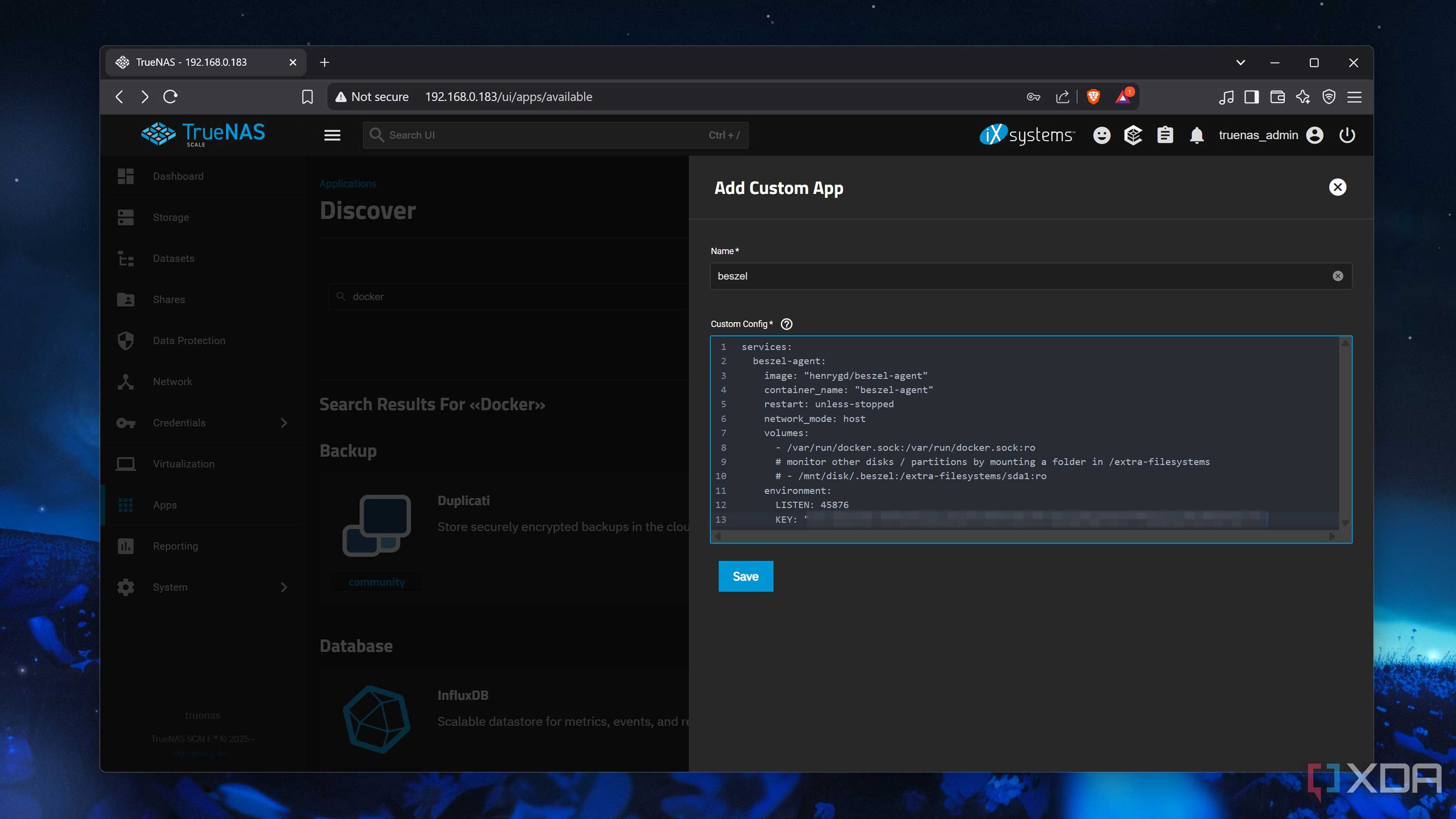
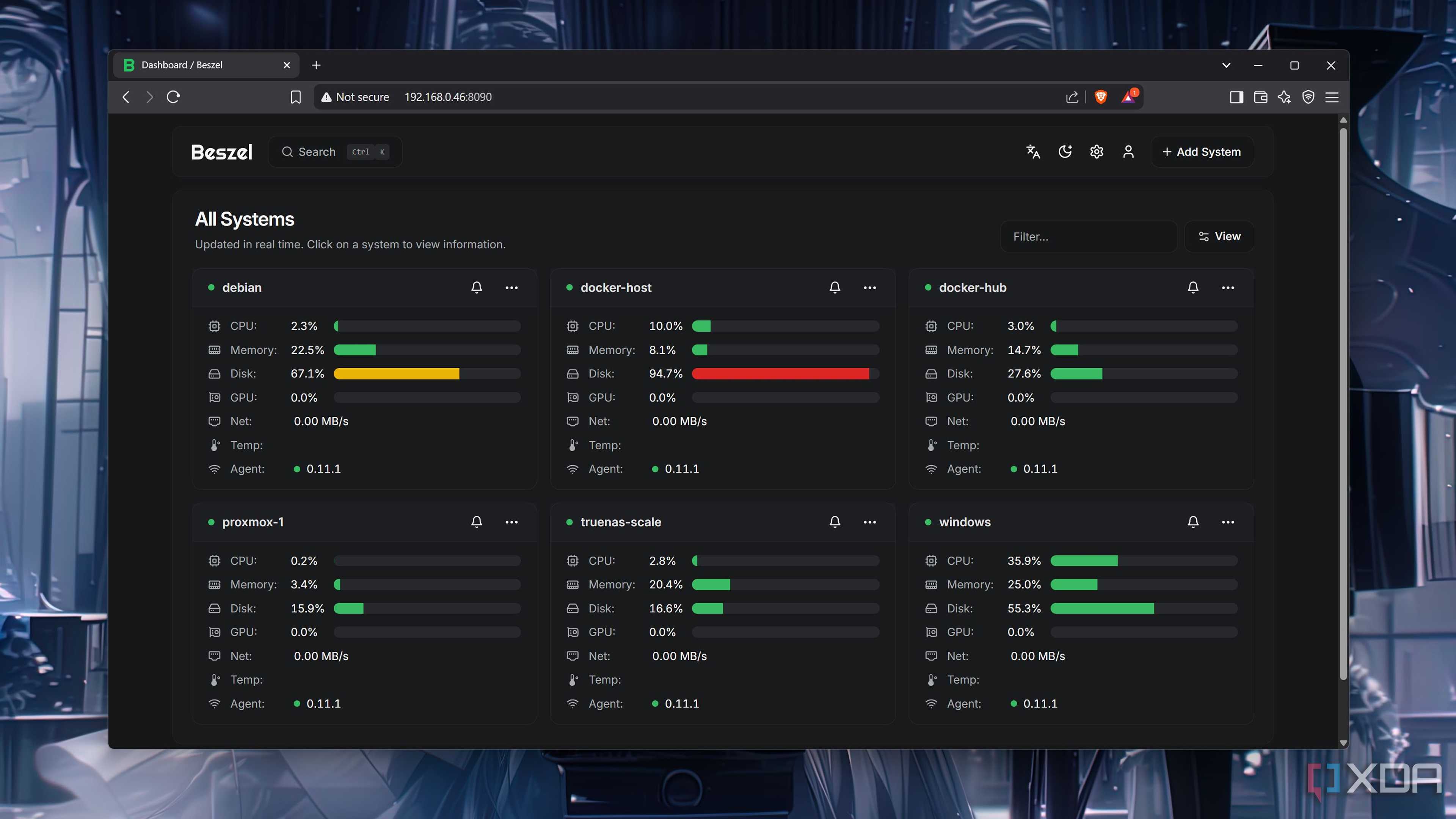
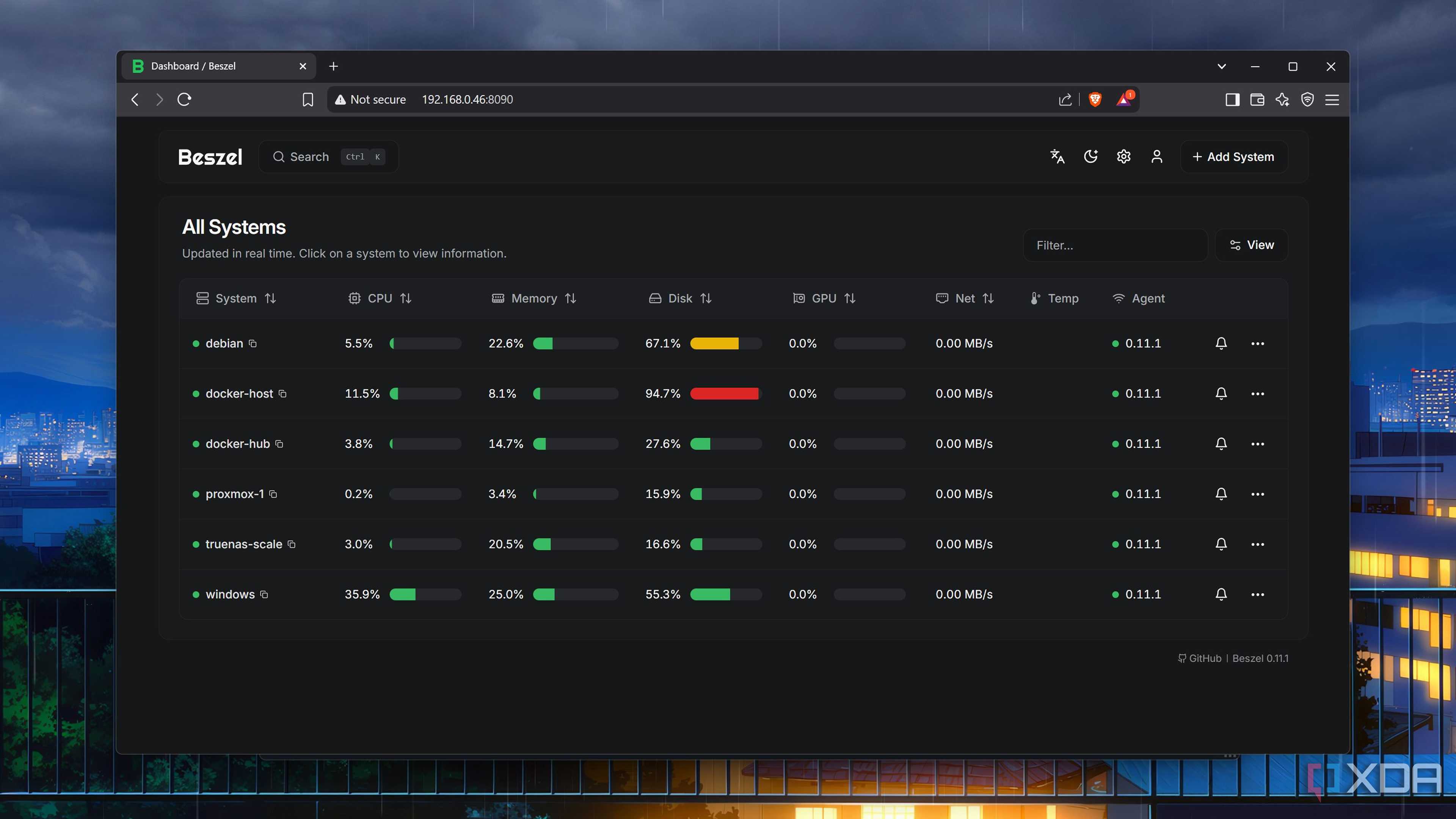
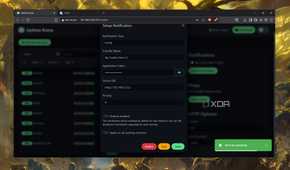
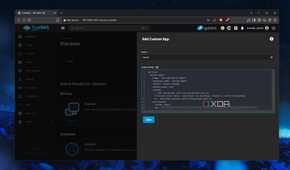
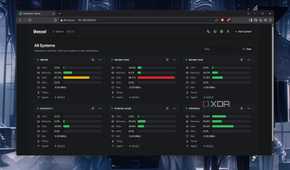
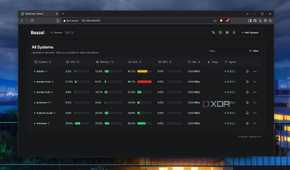
When your home server hosts essential services and VMs, you’d want to ensure your virtual guests remain in tip-top shape. Monitoring utilities can keep track of your self-hosted arsenal’s health, and I recommend going for the Uptime Kuma and Beszel combo. Besides constantly pinging the IP addresses of your containers to check if they’re operational, Uptime Kuma also displays the response times and SSL certificate expiry dates in its neat web UI.
Beszel performs a similar role, except it tracks the uptime of your server nodes instead of your self-hosted application stack. It can also pull the CPU usage, memory utilization, disk consumption, network speeds, and system temperature metrics from your home lab paraphernalia. Both Uptime Kuma and Beszel support external notification servers, so you can get alerted as soon as a self-hosted tool, virtualization platform, or workstation node goes down.
Nginx Proxy Manager
Especially when paired with a local DNS server
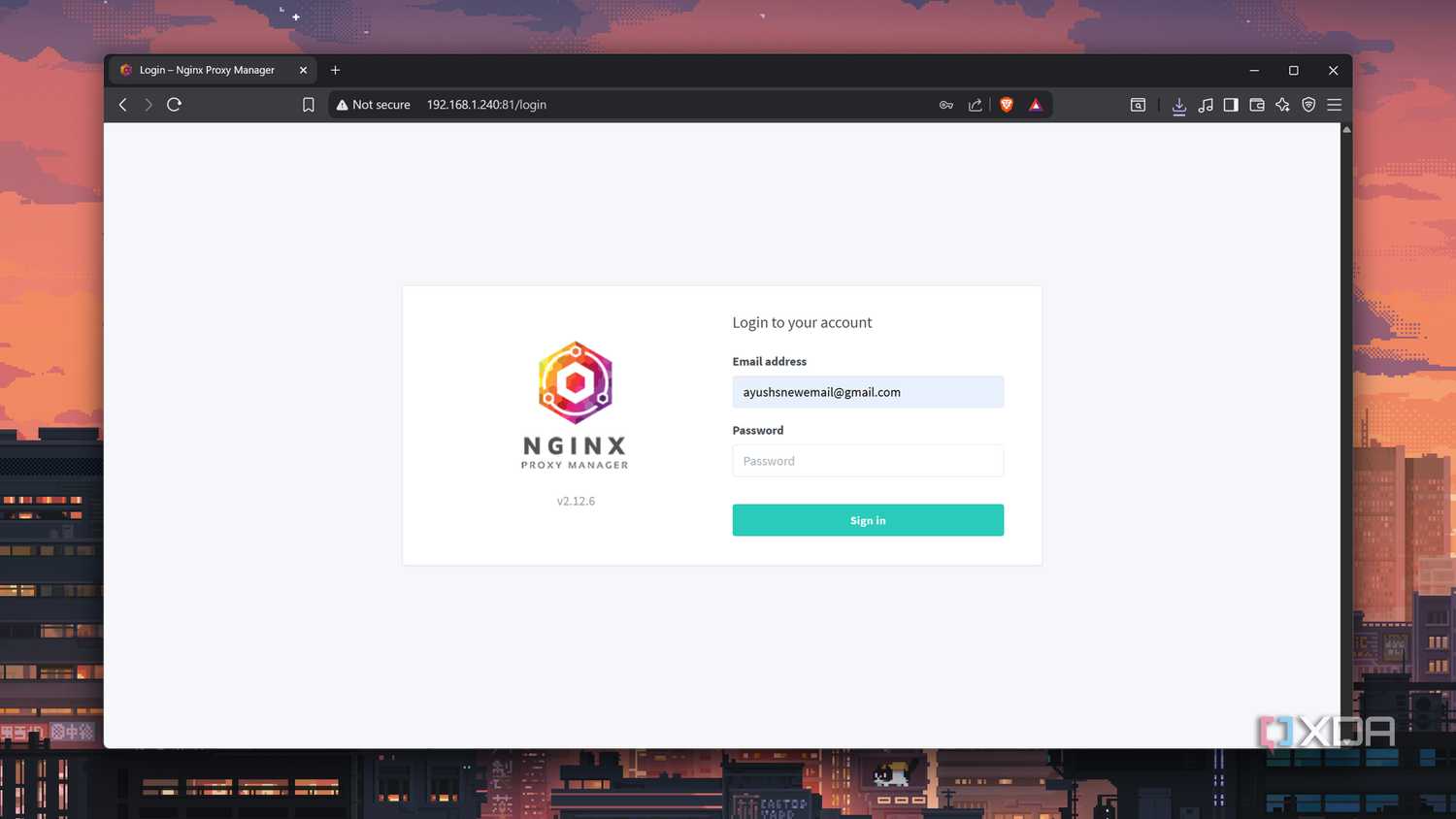
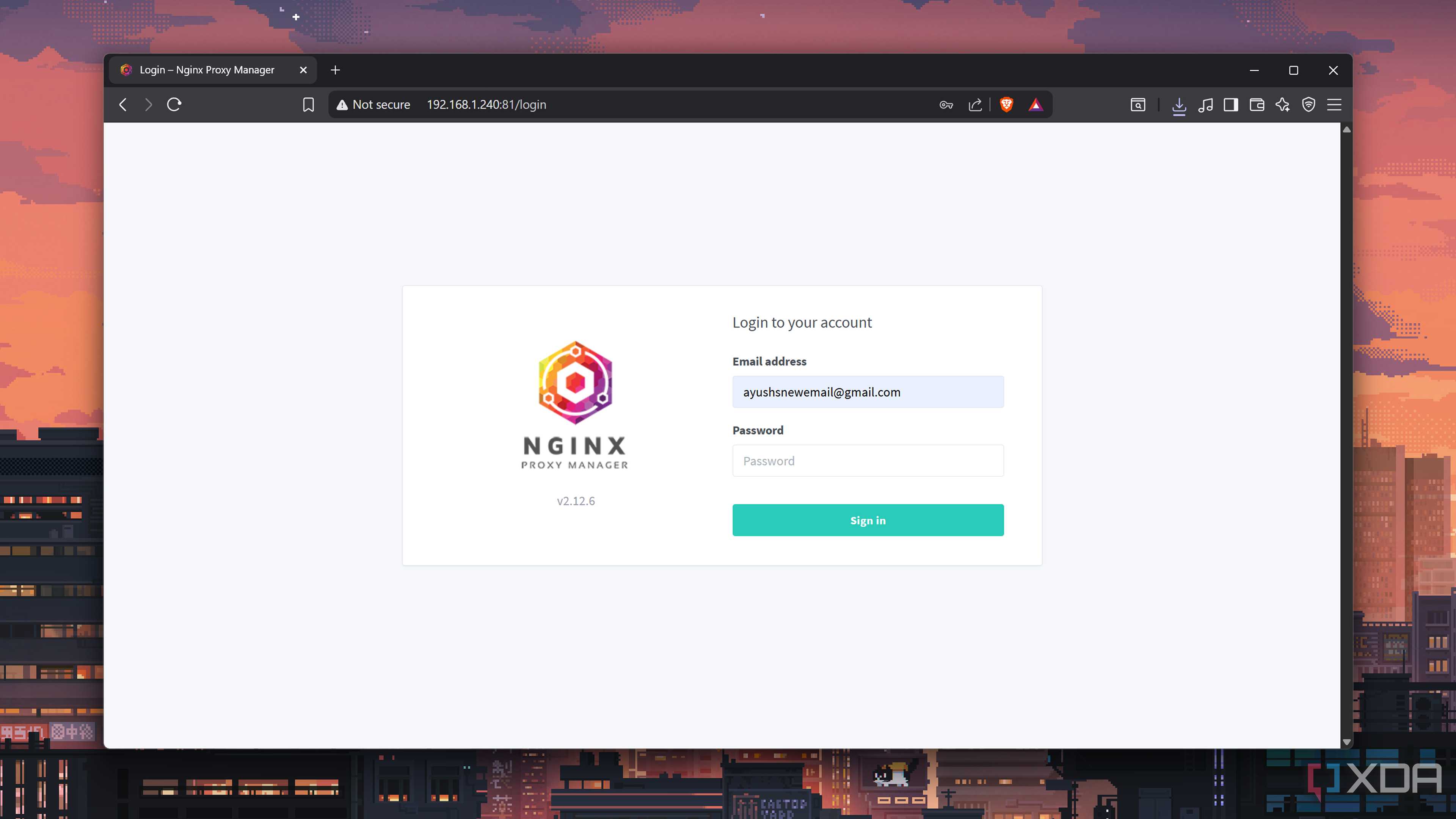
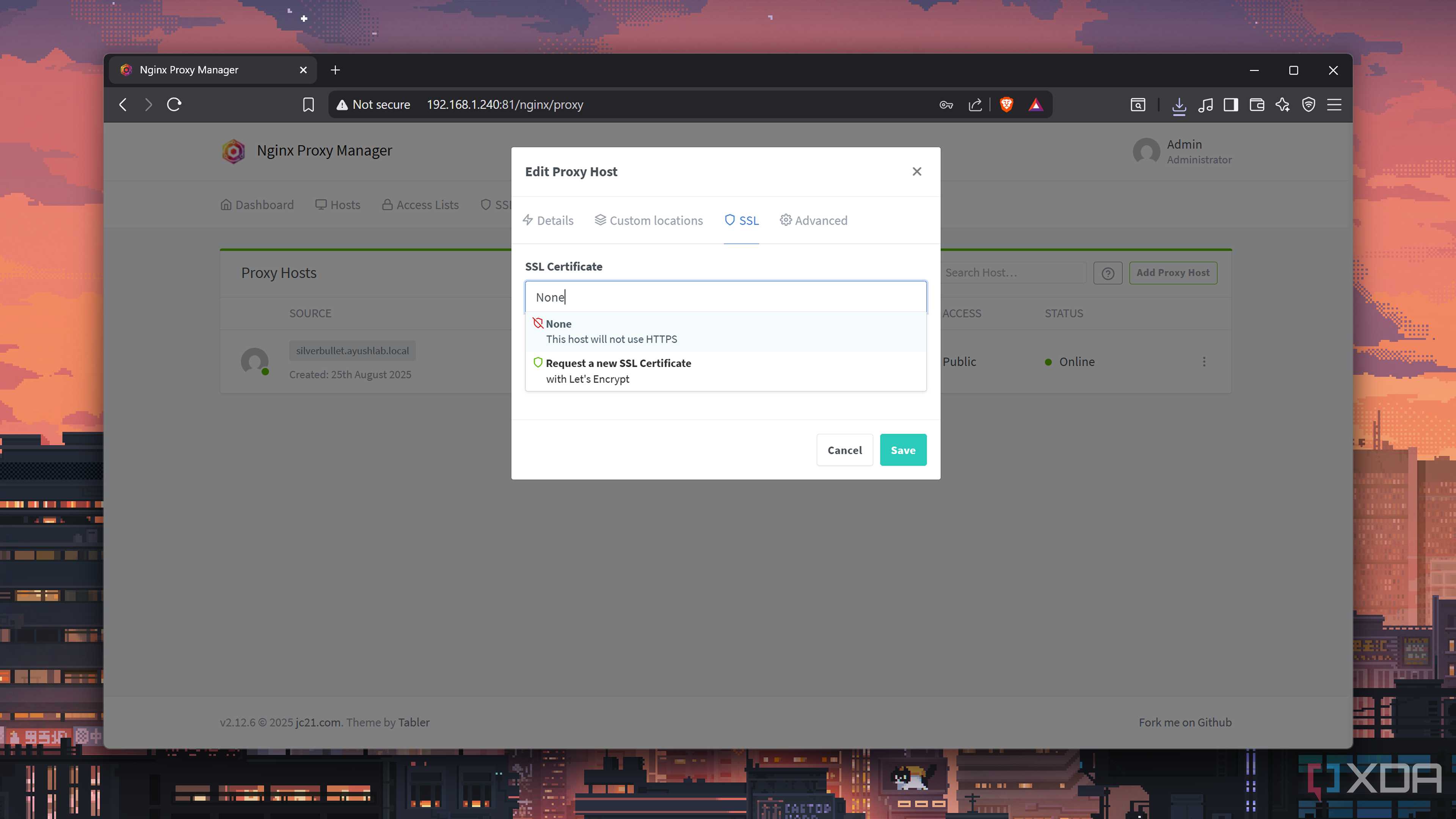
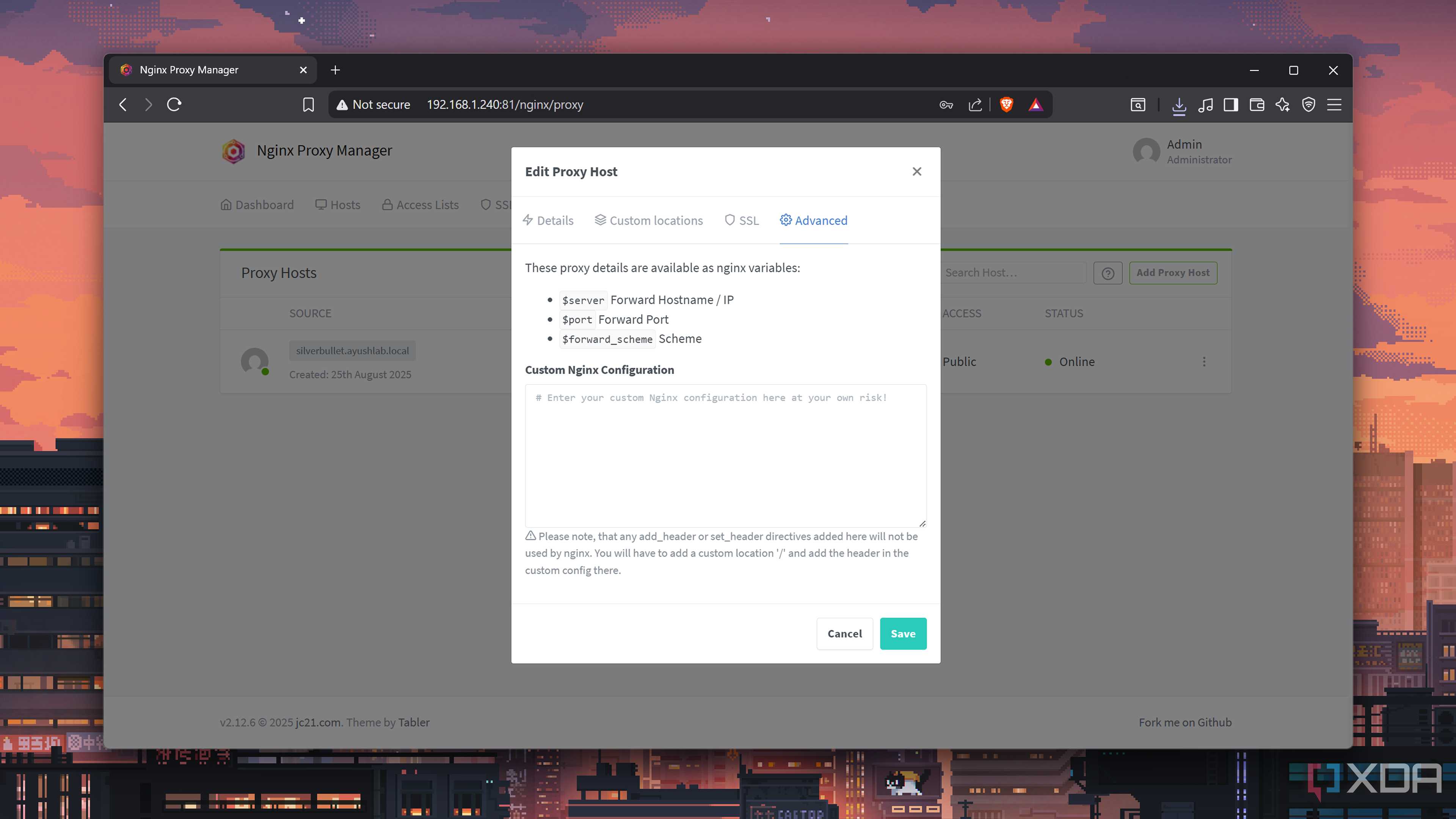
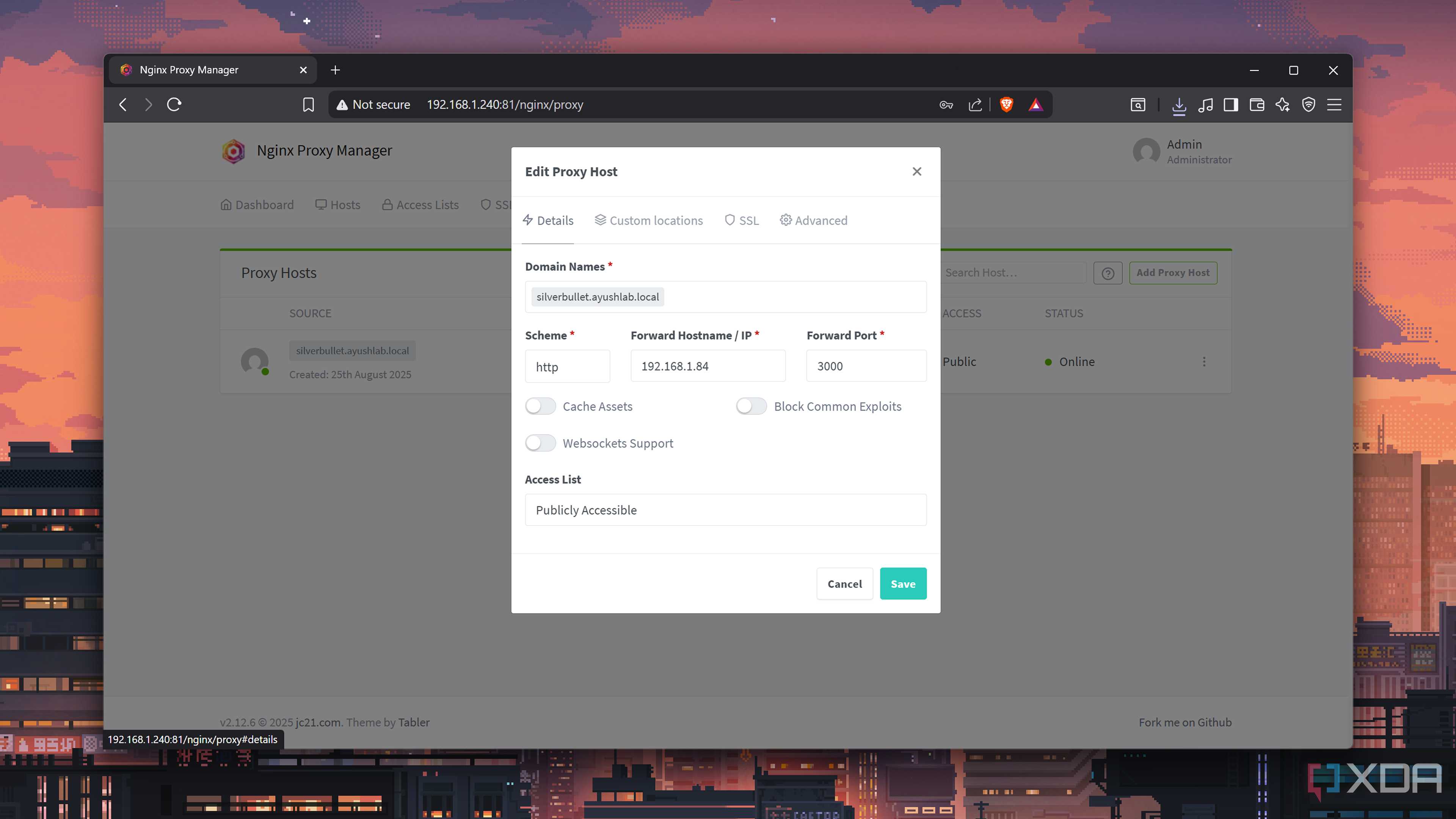
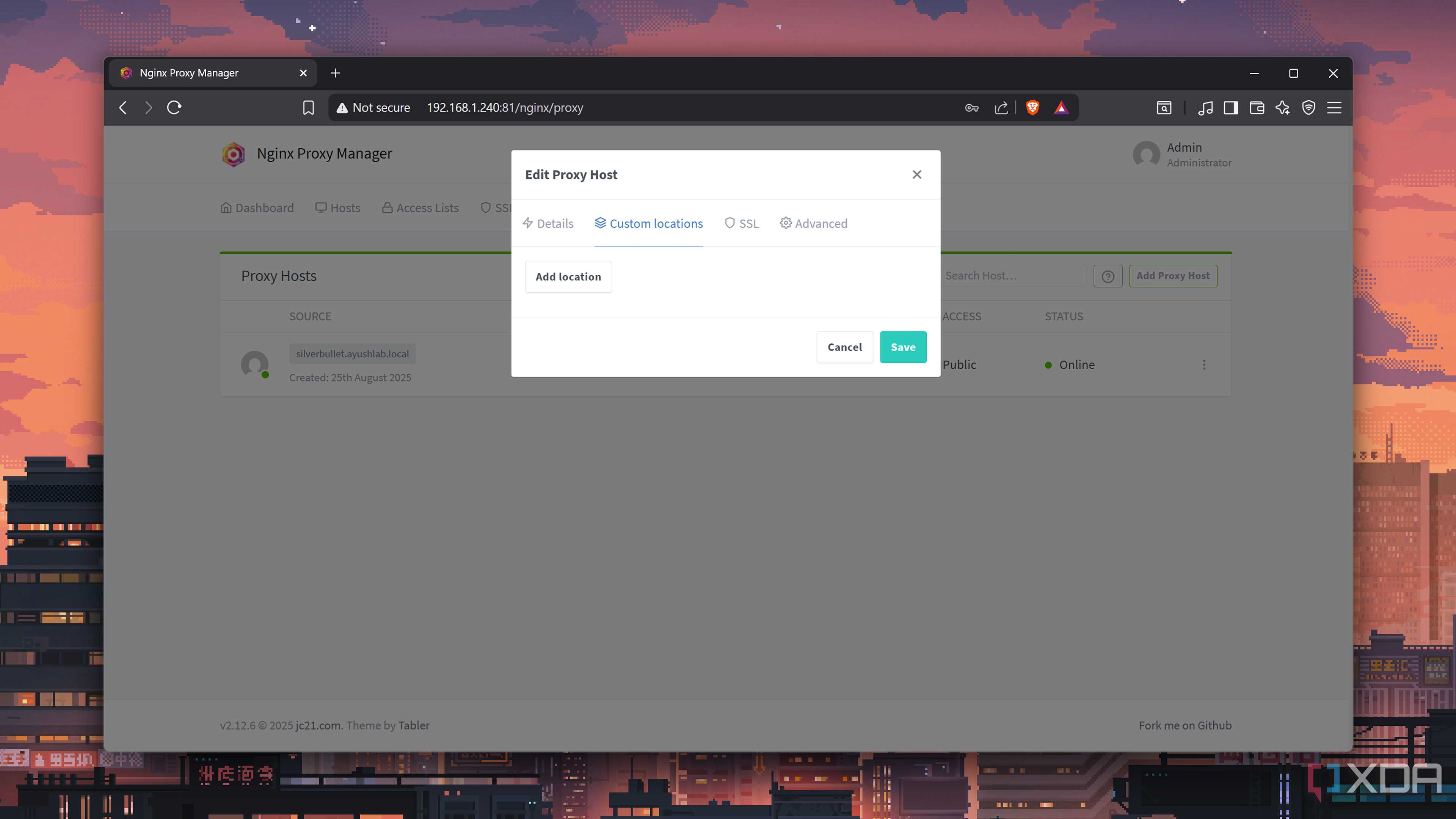
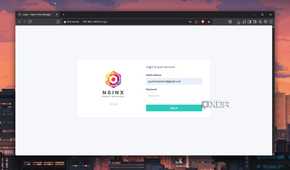
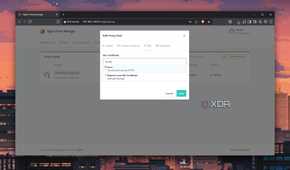
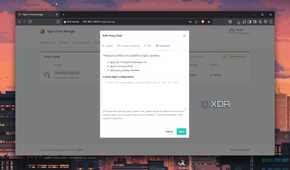
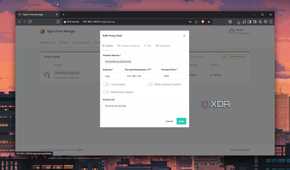
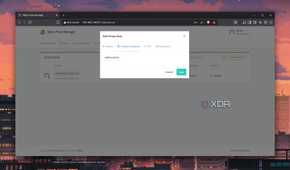
Accessing the web UIs of your home lab tools can get rather tedious when you’ve only got IP addresses to work with. Fortunately, reverse proxy tools can help you link domain names with these IP addresses, so you don’t have to memorize different IP address and port number combinations. Although Caddy provides automatic HTTPS certificates, I prefer the simple interface of Nginx Proxy Manager to manage the domain names and forwarded IP addresses.
But if you’re not willing to shell out extra money for a proper domain, you can use local DNS records to help Nginx Proxy Manager route requests to the web UIs of your self-hosted apps. I use Pi-hole to block ads on my LAN, but since it doubles as the source of local DNS records for my Nginx Proxy Manager, I can create any custom domain names I want without paying a dime to domain registrars.
Homarr
A simple dashboard with tons of cool features
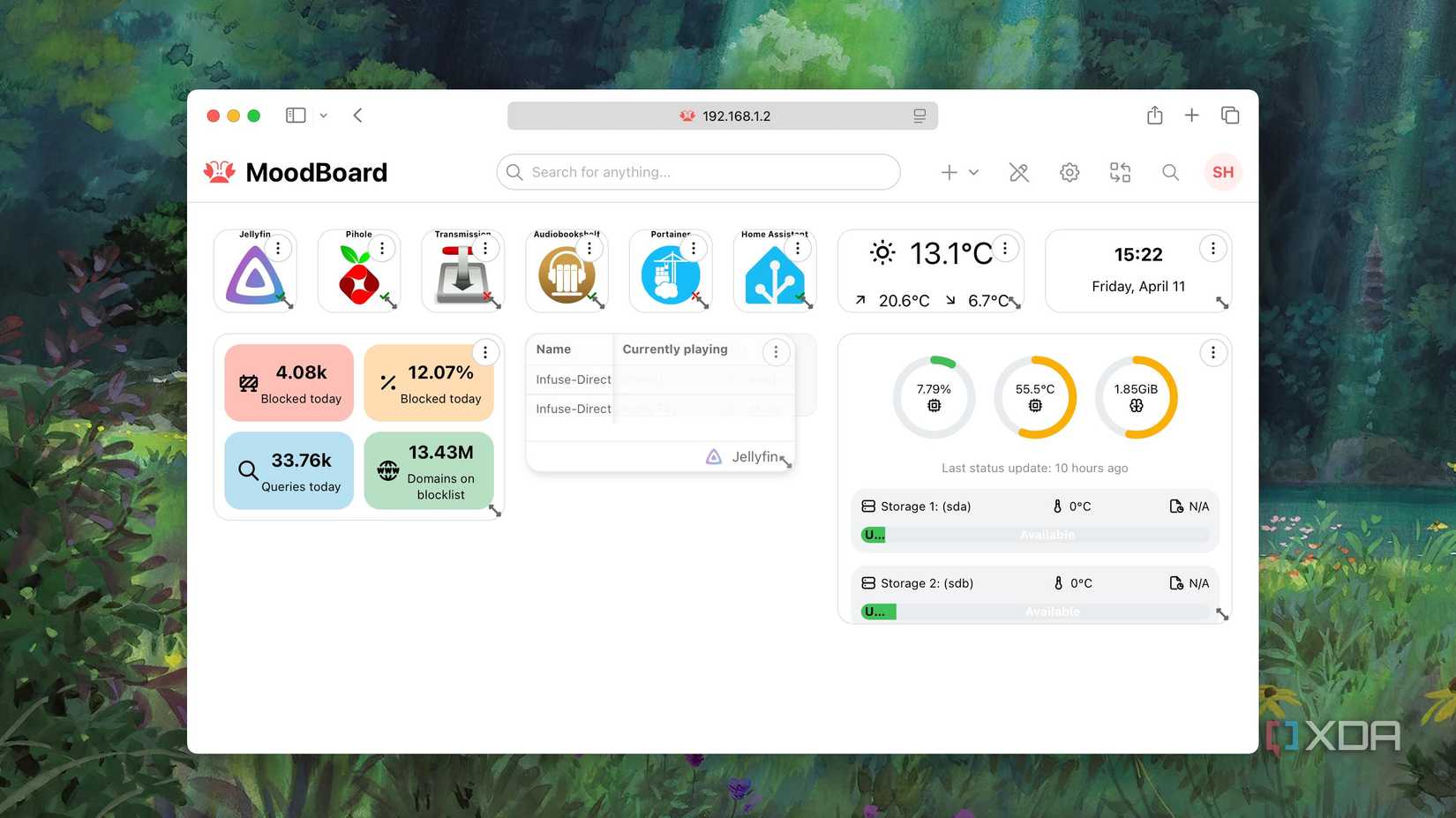
Few things are as satisfying as a custom dashboard displaying all your essential self-hosted tools. Besides being able to access your tools from a unified interface, a sleek dashboard also lets you show off your painstakingly crafted app collection. I’m a fan of Homepage, but it requires a lot of config tweaks before it becomes battle-ready. Meanwhile, Homarr is a beginner-friendly dashboard utility that hides a plethora of cool facilities under the hood.
For example, Homarr includes custom widgets and monitoring parameters for most of the popular utilities, ranging from virtualization platforms to every other option on this list. Plus, it lets you create and switch between multiple dashboards, so you don’t have to stick to a single layout. Throw in the fact that Homarr can even pull RSS feeds, surveillance camera footage, calendar events, and DNS sinkhole records, and you’ve got a killer dashboard tool for your virtual guests.
WireGuard
Tailscale is a valid alternative
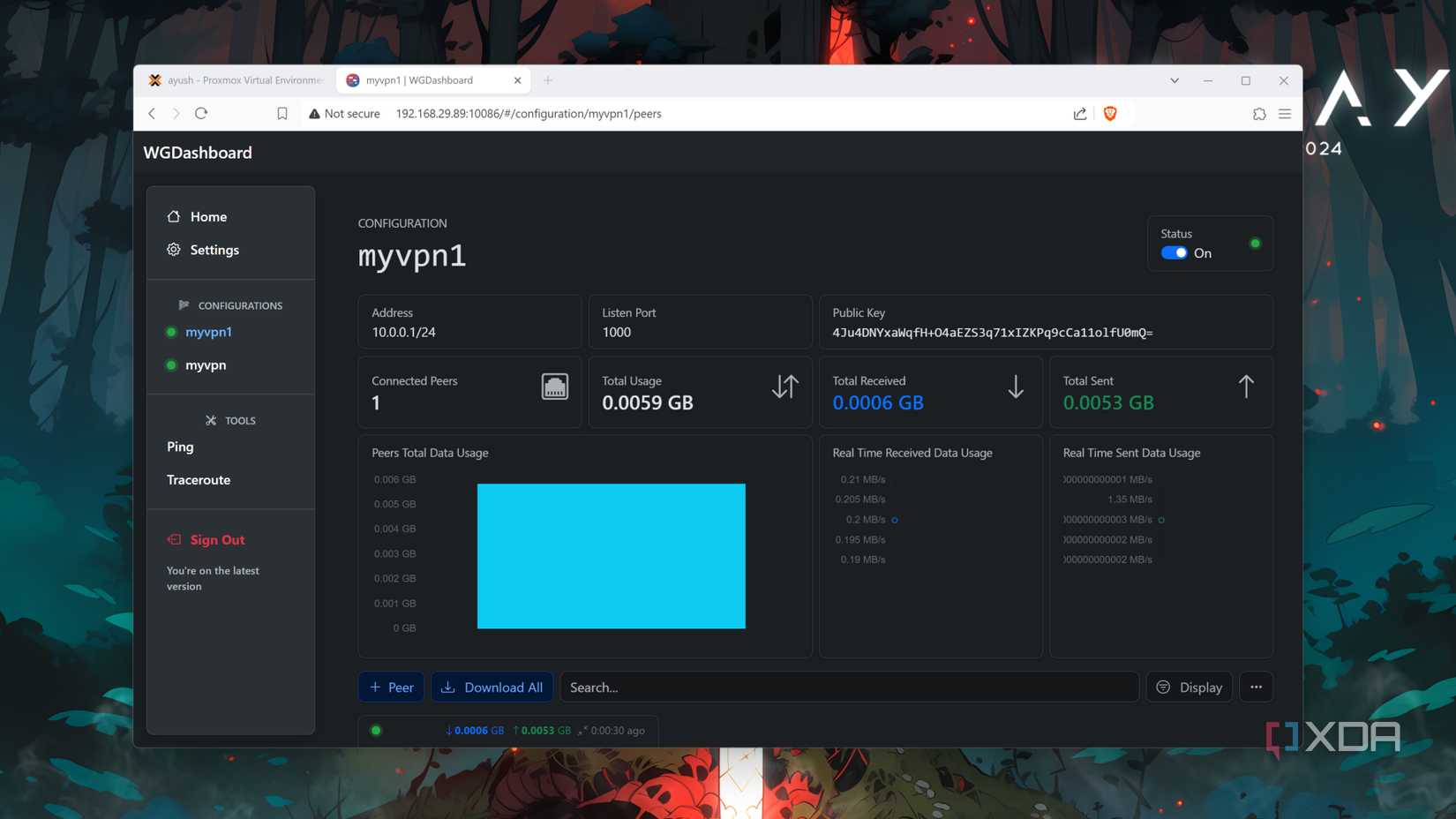
Considering all the viruses, botnets, and malware floating through the vast recesses of the Internet, it’s a good idea to take some security precautions when exposing your home lab services beyond your LAN. Self-hosted VPNs like WireGuard are a neat way to access your virtual guests without making them vulnerable to the threats on public Wi-Fi networks. That said, you will need to enable port-forwarding on your router for a self-hosted VPN, which may not be possible if your ISP has locked your connection behind CGNAT.
That’s where Tailscale – the only third-party tool on this list – shines. While it relies on third-party servers to connect your client machines with your home lab paraphernalia, it’s the perfect solution for bypassing the CGNAT restrictions if you don’t want to throw money at paid VPNs or VPS platforms.
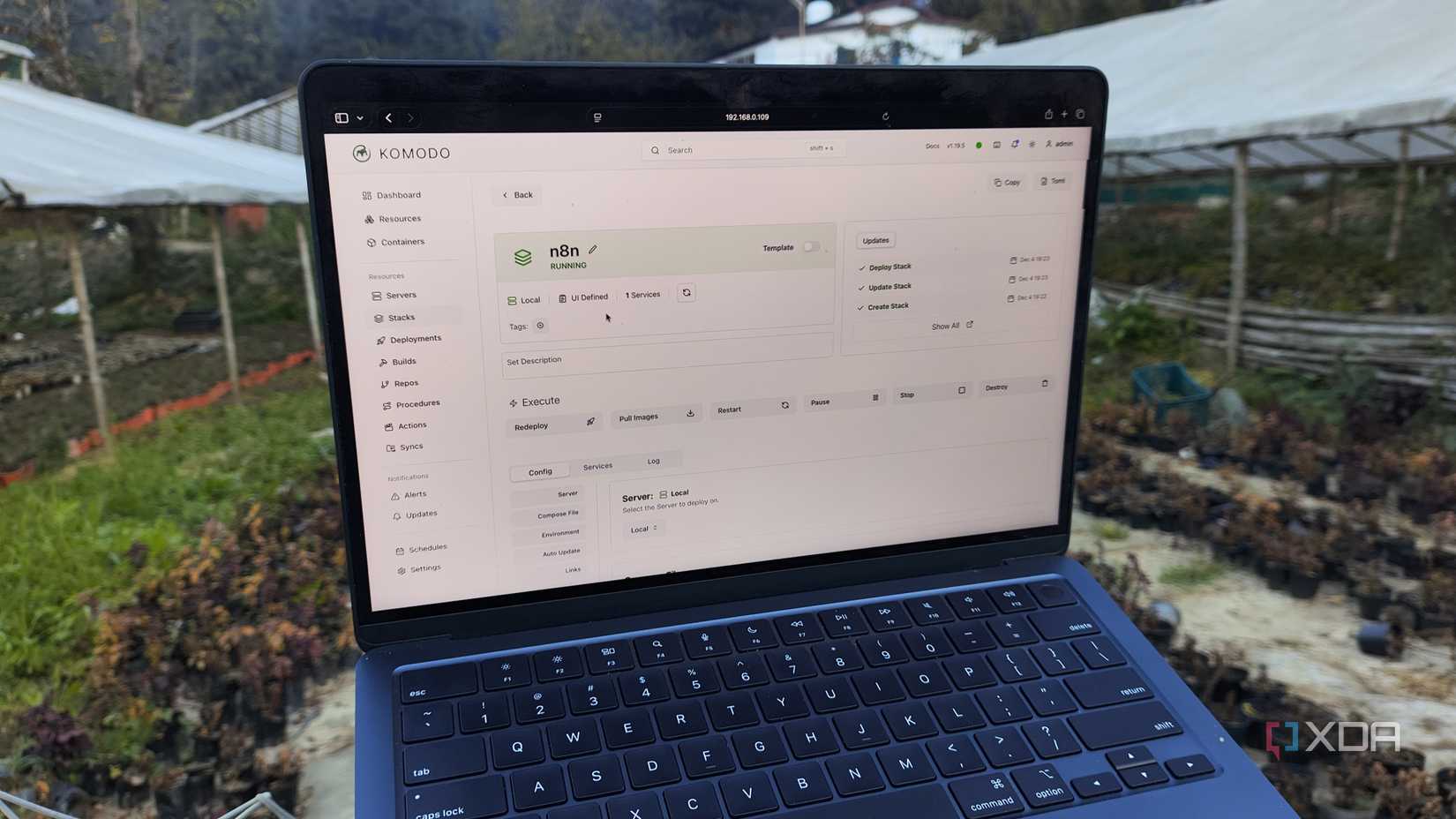
Aside from the home lab apps on this list, I have a couple of other recommendations. If you’re on Proxmox like I am, Pulse is a solid monitoring utility for your PVE and PBS nodes. While we’re on the subject, a dedicated backup platform like PBS is pretty useful when you want to keep redundant copies of your VMs and containers. For folks who fall under the Docker and Podman factions, you can look into Dockge, Portainer, or Komodo for your container management needs.